 English


How to choose a laptop in 2026: a practical guide
25.11.2026
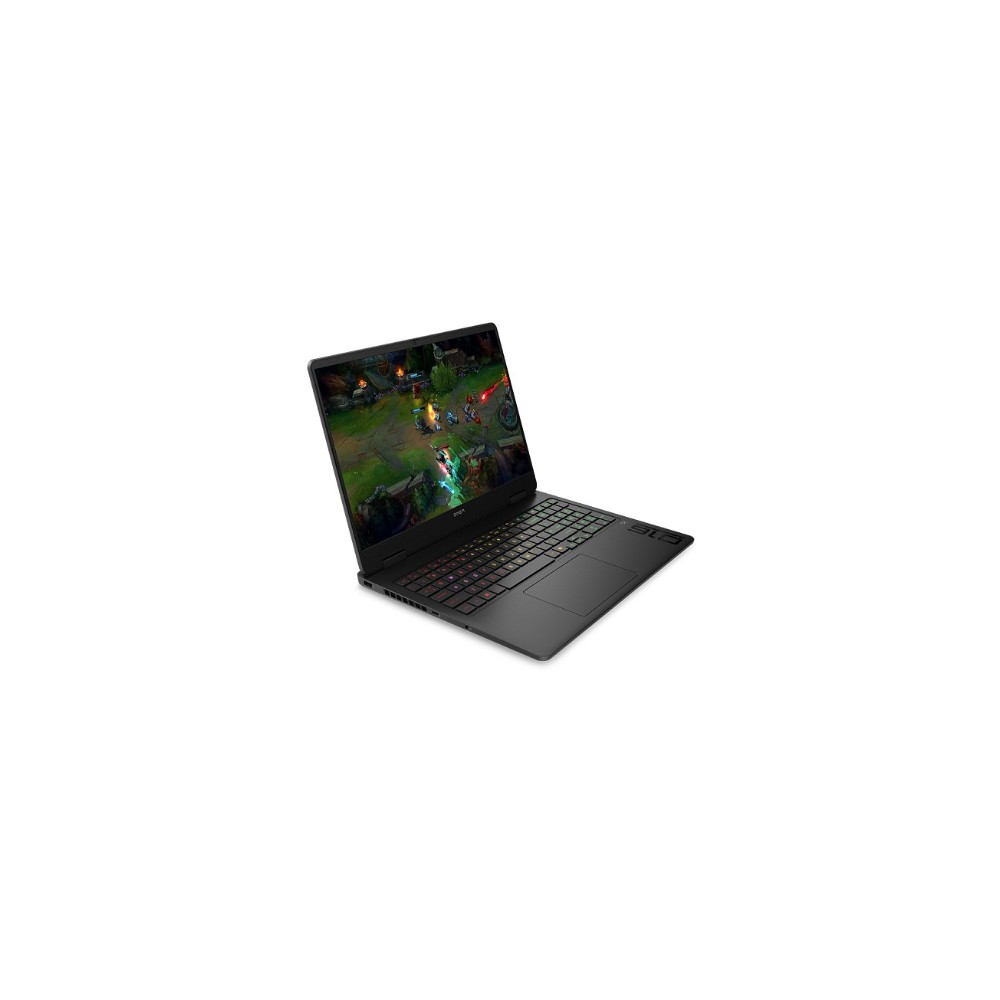
Choosing a laptop is easier when you go step by step. This short guide explains what really matters, so you pay only for the features you need.
1. Decide what the laptop is for
- Study, web and documents: office laptops are light, affordable and last long on battery.
- Games, video editing, 3D: pick a gaming laptop with a dedicated graphics card and good cooling.
- Frequent travel: look at thin and light ultrabooks.
2. Processor, memory and storage
Intel Core i3 or AMD Ryzen 3 is enough for everyday tasks, Core i5 / Core Ultra 5 or Ryzen 5 for comfortable multitasking, Core i7 / Core Ultra 7 or Ryzen 7 for heavy software and games. Take at least 8 GB of RAM (16 GB is the comfortable choice) and always an SSD, ideally 512 GB.
3. Screen and graphics
Choose at least Full HD (1920×1080) with an IPS or OLED panel. 14 inches is best for travel, 15.6–16 inches is the all-round size. For games, look for a 120–144 Hz screen and an NVIDIA GeForce RTX graphics card; otherwise integrated graphics is enough.
Browse the laptop section of LC Store, or visit us at 20 Saryan St, Yerevan (tel. 043 45-48-44) and we will help you choose. All laptops come with an official warranty; installments are available.


 Vacuum Cleaners41 items
 Wet and Dry Vacuums16 items
 Robot Vacuums36 items
 Window Cleaning Robots7 items
 Kitchen Appliances15 items
 Beauty and Personal Care32 items
 Tools and Other Devices3 items
 Pet Care2 items
 Garden and Pool3 items
 Climate Appliances10 items
 Vacuum Accessories10 items
 Large Home Appliances4 items
 Irons and Steamers2 items


