 English


SSD or HDD: how to speed up an old computer or laptop
25.11.2026
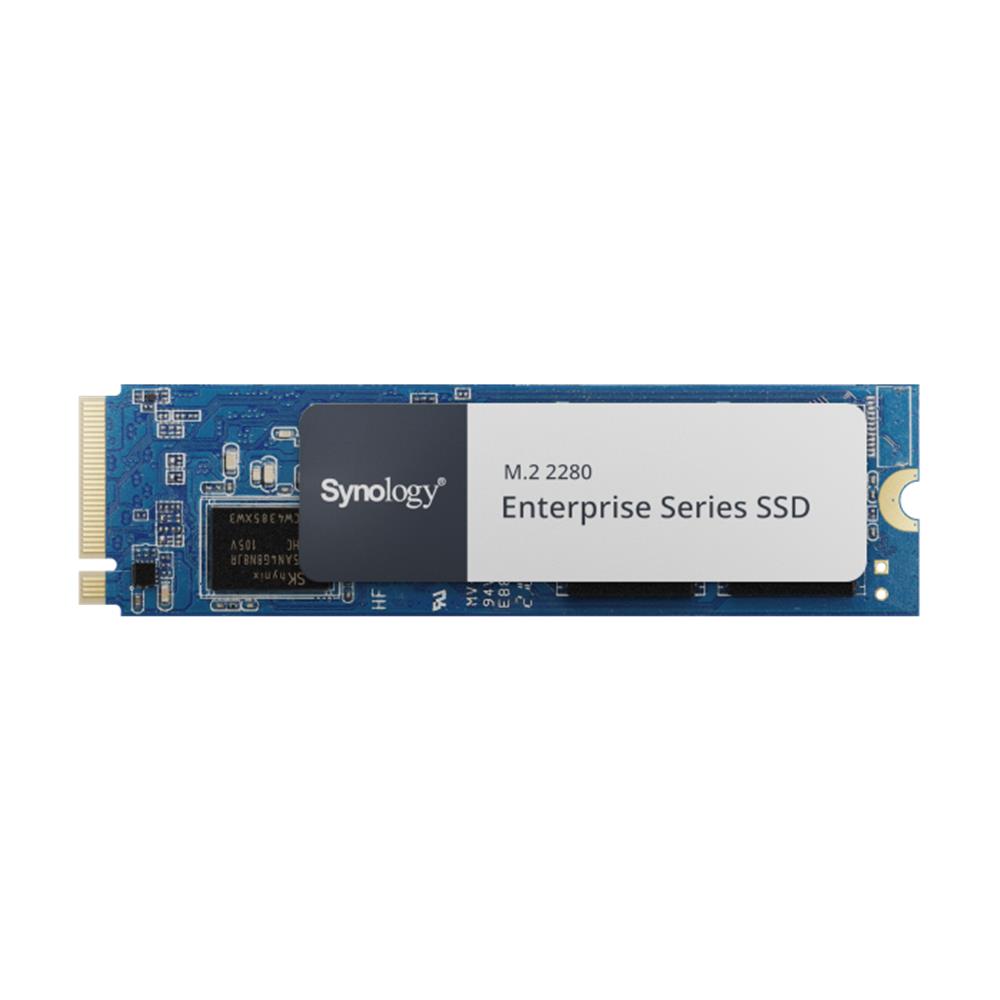
If your computer or laptop boots slowly and programs take long to open, you do not always need a new one. Two small upgrades — an SSD and more RAM — often make a clear difference.
SSD vs HDD
An HDD is a mechanical drive: cheap per gigabyte and good for large archives, but slow. An SSD has no moving parts, is silent and several times faster. A common setup is an SSD for the system and programs plus an HDD for photos, films and backups.
Which SSD and what size
A 2.5" SATA SSD fits almost any older computer or laptop in place of the HDD. An M.2 NVMe SSD is several times faster, but check that your device has an M.2 slot with NVMe support. 512 GB suits work and study; choose 1 TB or more for games and video editing.
Memory
With 4 GB of RAM a few browser tabs already slow the system down. Upgrading RAM to 8 or 16 GB fixes this; check the memory type (DDR3, DDR4 or DDR5) and free slots first.
Not sure what fits your device? Call 043 45-48-44 or visit LC Store at 20 Saryan St, Yerevan.


 Vacuum Cleaners41 items
 Wet and Dry Vacuums16 items
 Robot Vacuums36 items
 Window Cleaning Robots7 items
 Kitchen Appliances15 items
 Beauty and Personal Care32 items
 Tools and Other Devices3 items
 Pet Care2 items
 Garden and Pool3 items
 Climate Appliances10 items
 Vacuum Accessories10 items
 Large Home Appliances4 items
 Irons and Steamers2 items


