English


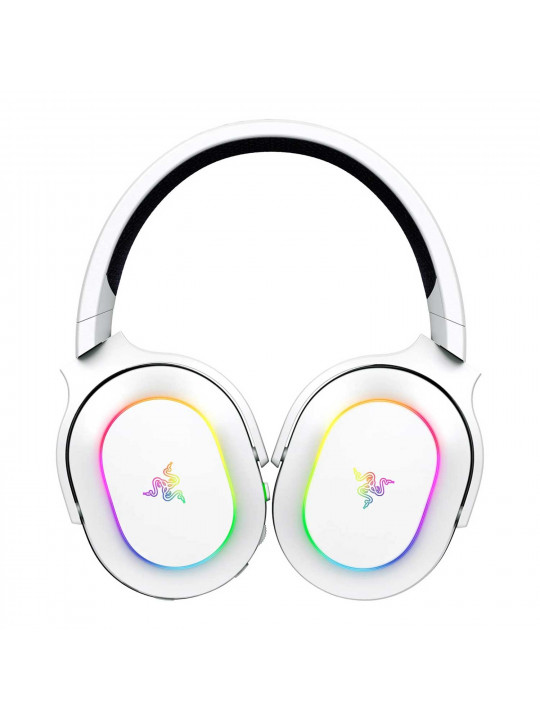
Peculiarities
- Simultaneous 2.4 GHz wireless and Bluetooth operation
- Quickly switch between Razer™ SmartSwitch Dual Wireless connectivity options
- 6-zone RGB backlighting with earcup lighting effects
- Operating time up to 70 hours
- Ergonomic lightweight design weighing 285g
Headphones
- Headphone type: Full-size closed
- 2 connection types: 2.4GHz wireless and Bluetooth 5.3
- 2 simultaneous wireless connections via Razer SmartSwitch Dual Wireless (2.4 GHz + Bluetooth)
- Frequency range: 20 – 20,000 Hz
- Impedance: 32 ohms at 1 kHz
- Sensitivity: 96 dB SPL /mW @ 1KHz by HATS
- Razer™ TriForce 40mm Neodymium Drivers
- Oval ear pads made of breathable FlowKnit fabric, filled with memory foam
- Inner diameter of earcup: 60 x 40 mm
- 90-degree rotating earcups
- Razer Chroma™ RGB earcup lighting with lighting effects
- Bluetooth Codecs: SBC
- Passive noise cancellation
- Razer Synapse 4 Configuration Utility Support (Razer Synapse 3 not supported)
- Razer Audio Tuner Mobile Support
- Virtual 7.1 Surround Sound: 7.1 Surround Sound software, Windows 10 64-bit only
- Battery life up to 70 hours (backlight off, 2.4 GHz connection)
- Battery life up to 30 hours (backlight on, 2.4 GHz connection)
- Charging a fully discharged battery takes approximately 4 hours.
- A quick 15-minute charge will provide approximately 6 hours of use.
- Razer™ HyperSpeed Wireless Dongle with USB Type-C
- USB connector on headphones: USB Type-C, for charging
- USB charging cable: 1.5 m long, fabric-braided, USB Type-C to USB Type-C connectors, 60W
- USB Type-C to USB Type-A Adapter
- Fabric case for headphones
- Headphone weight: 285 g
Microphone
- Microphone Type: Detachable Razer™ HyperClear Cardioid Microphone
- Removable foam windscreen pop filter
- Polar pattern: unidirectional
- Frequency range: 100 – 10,000 Hz
- Sensitivity (at 1 kHz): –42 ± 3 dB
- Signal-to-noise ratio: ≥ 60 dB
Controls on the headphone cup
- Volume control wheel
- Razer SmartSwitch button for controlling 2.4GHz wireless or Bluetooth
- Microphone mute button
- Power button
Connection type indicator
- Green: HyperSpeed Wireless 2.4 GHz mode is enabled
- Blue: Bluetooth mode is on
- White: Both modes enabled, with HyperSpeed Wireless 2.4 GHz prioritized
Charging indicator
- Blinking Red: Low battery (when powered on) or Charging (when charging cable is connected to PC or power adapter)
- Blinking Green: Fully charged
Backlight effects
- Configurable via Razer Synapse 4 or Razer Audio software.
- Volume Level Indicator: The headset backlight will light up according to the volume level using the default color spectrum. Select the color enhancement level.
- Breathing: The backlight fades in and out in the selected color(s). Choose one or two backlight colors, or set a random color selection.
- Flame: The headset is illuminated with warm colors that mimic the movement of flames. No additional setup is required.
- Color Cycling: Continuously cycles through the entire 16.8 million color spectrum. No additional setup required.
- Starlight: Different headset LEDs light up and fade out at random intervals. Choose one or two backlight colors, or set a random color selection and then choose a duration.
- Static: The headset backlight glows in the selected color. Select a color.
- Wave: The highlight effect will move sequentially in the selected direction. Choose the wave direction: left to right or right to left.
- Rotate: The backlight rotates in the selected direction using the default color spectrum. Select a direction.
- Advanced Effects: Create and use your own lighting effects in Chroma Studio.
- Game-integrated: Games that support Razer Chroma lighting will activate their lighting effects to reflect in-game events.
Compatibility
- PC, Mac
- PlayStation
- Nintendo Switch
- Mobile devices (Android, iOS)
System requirements
- Wireless connection: USB Type-C or USB Type-A port for 2.4GHz wireless transmitter
- Wireless connection: Bluetooth 5.3
- Virtual 7.1 Surround Sound: 7.1 Surround Sound software, Windows 10 64-bit only
Razer Synapse App Requirements
- Windows® 10 64-bit (or later)
- Internet connection for software installation
Razer 7.1 Surround Sound App Requirements
- Windows® 10 64-bit (or later)
- Internet connection for software installation
Razer Audio App Requirements
- Android smartphones, Android 9 or later required
- iPhone smartphones require iOS 14.0 or later
Equipment
- Razer Barracuda X Chroma Headphones
- Razer HyperClear Detachable Microphone with Windscreen
- Razer HyperSpeed Wireless Dongle 2.4GHz with USB Type-C
- USB Type-C to USB Type-C Headphone Charging Cable
- USB Type-C to USB Type-A Adapter
- Headphone case
- Important product information
Related products
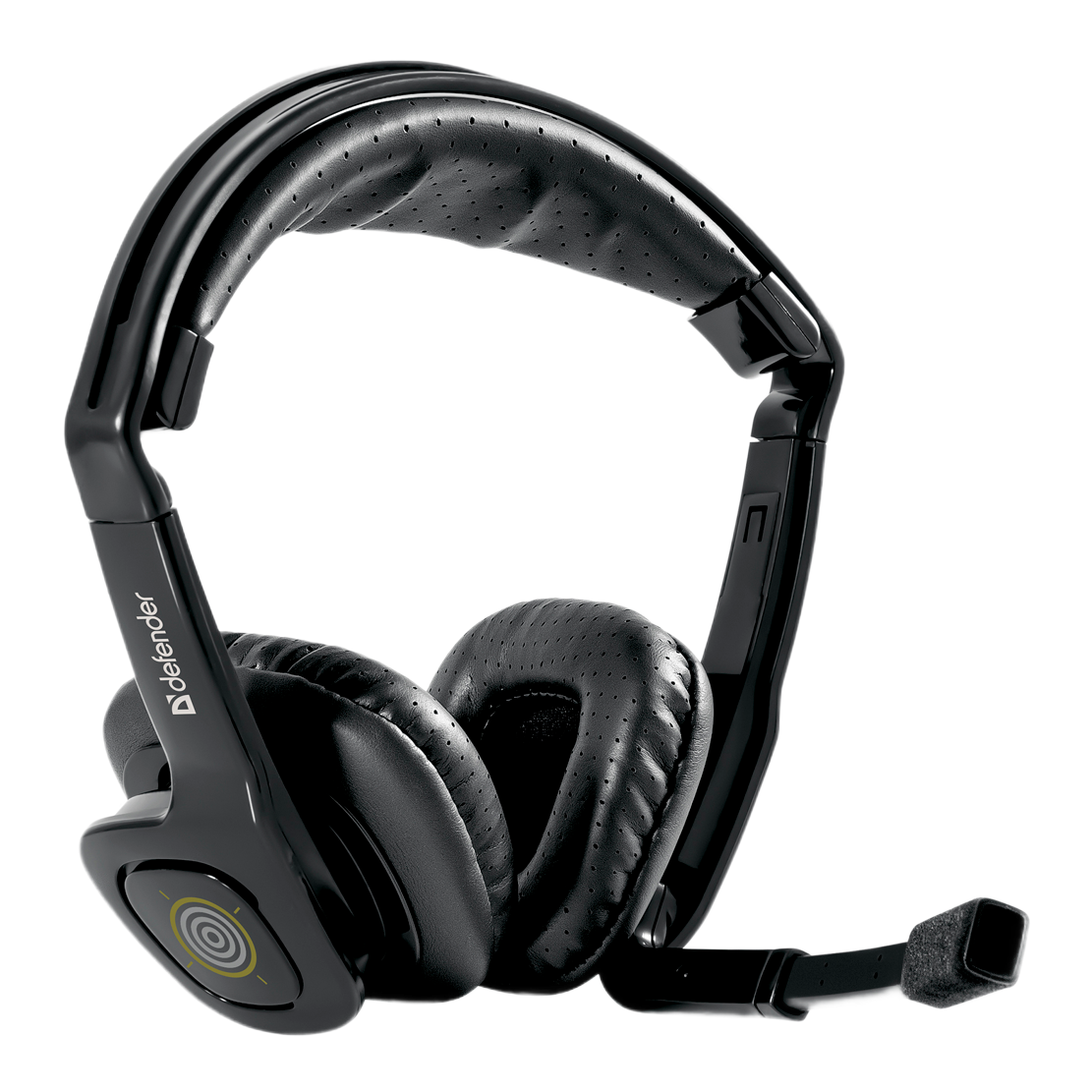
DEFENDER WARHEAD HN-G150
9900
AMD
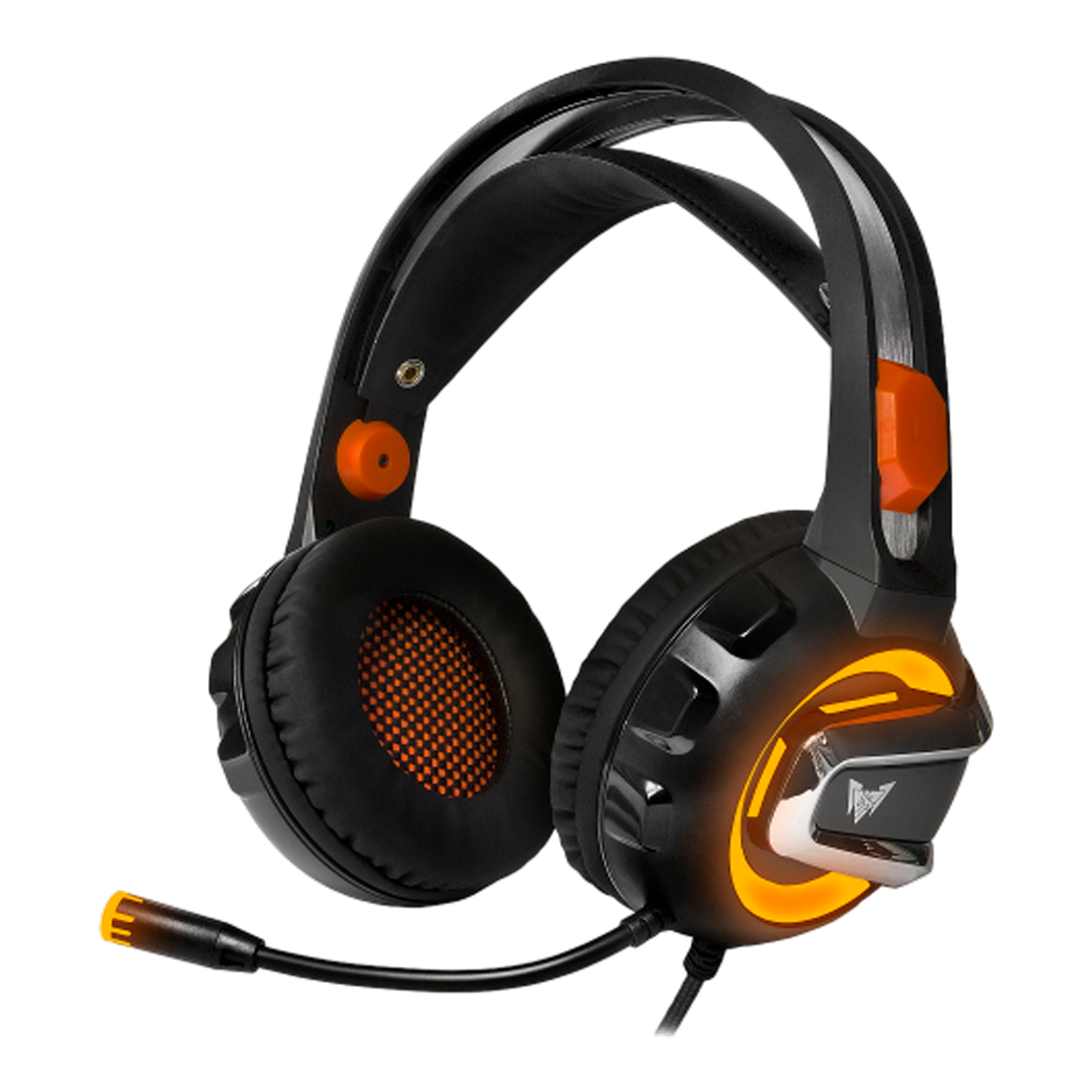
CROWN MICRO CMGH-3103
19900
AMD
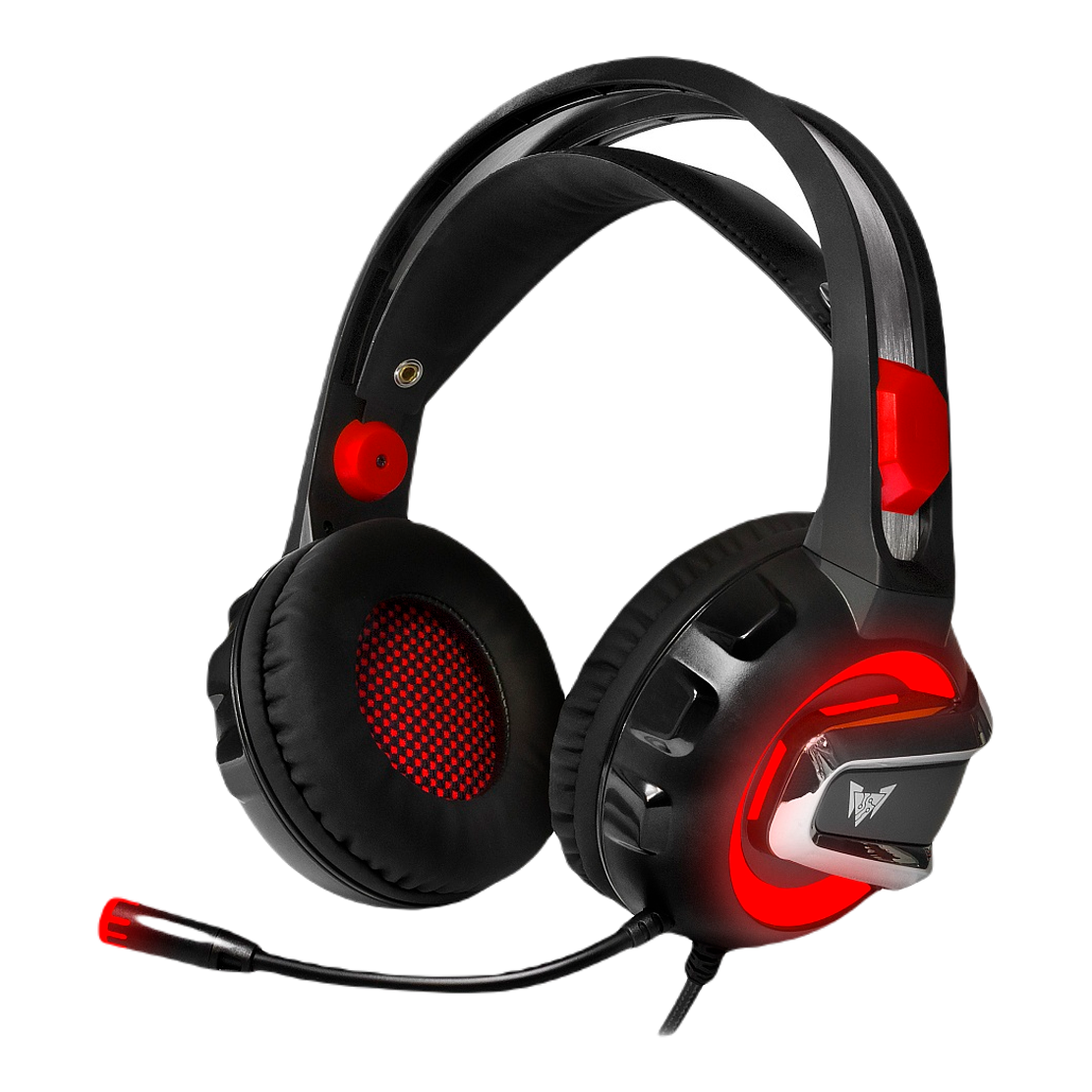
CROWN MICRO CMGH-3100
19900
AMD
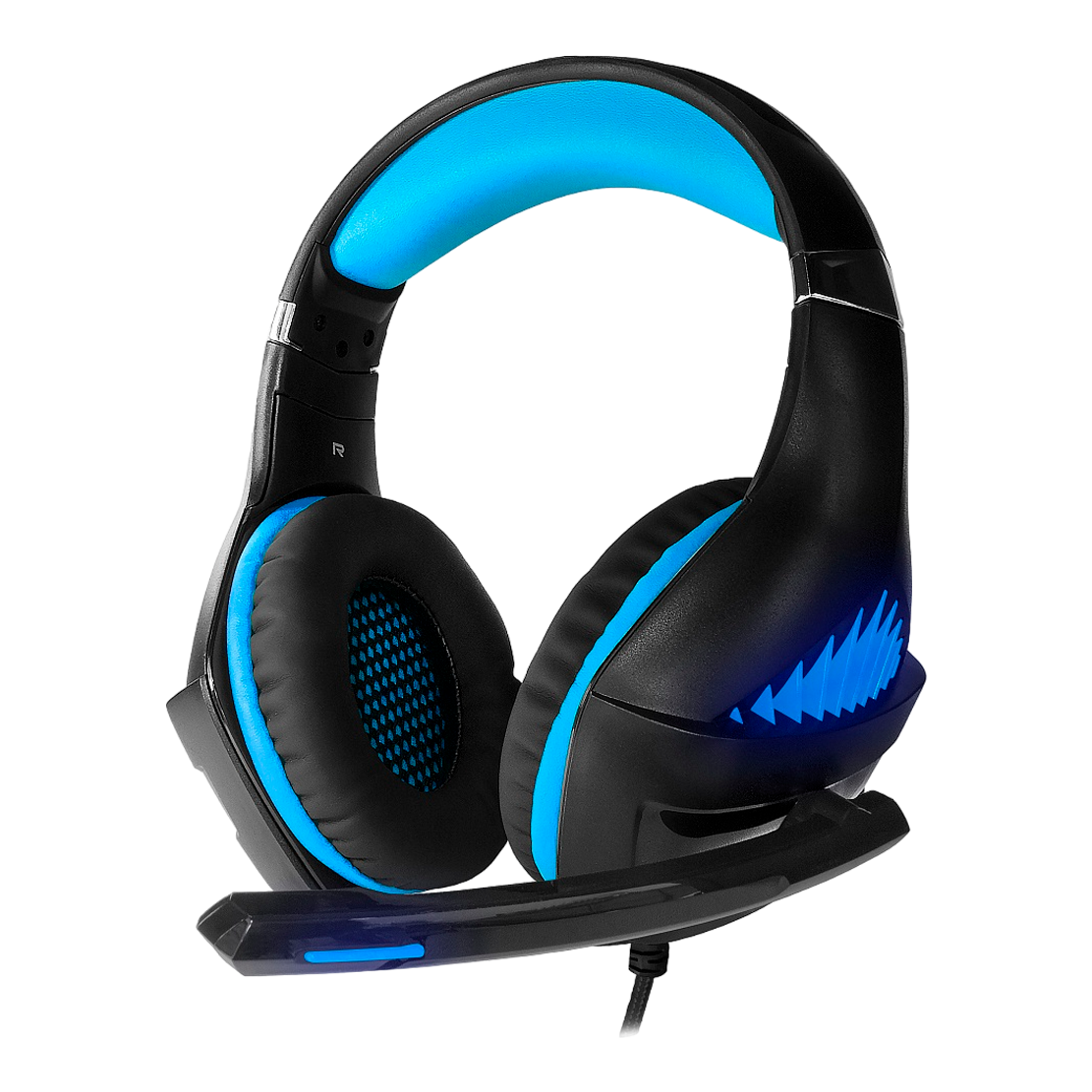
CROWN MICRO CMGH-2101
16900
AMD

CROWN MICRO CMGH-102T
9900
AMD
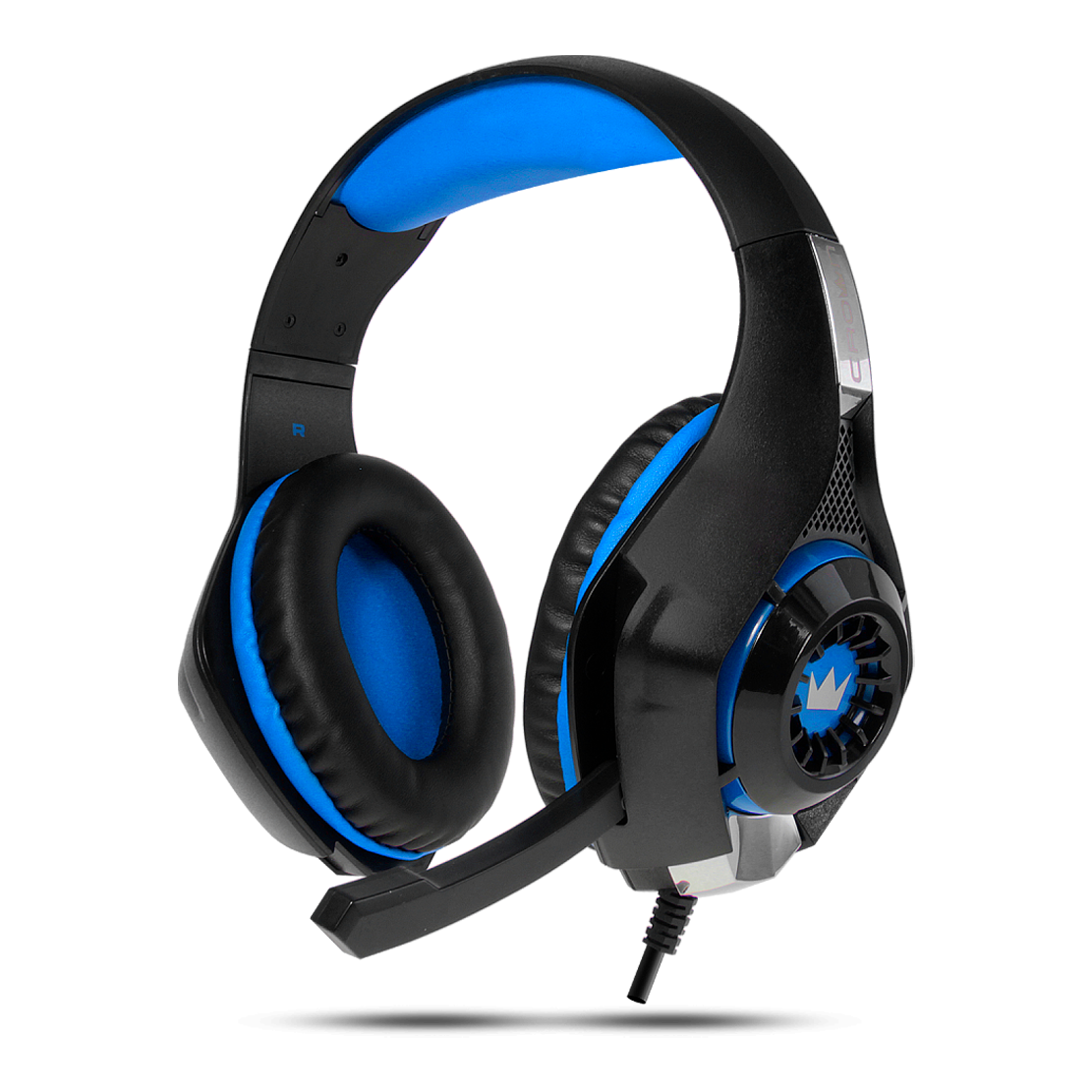
CROWN MICRO CMGH-101T
9900
AMD
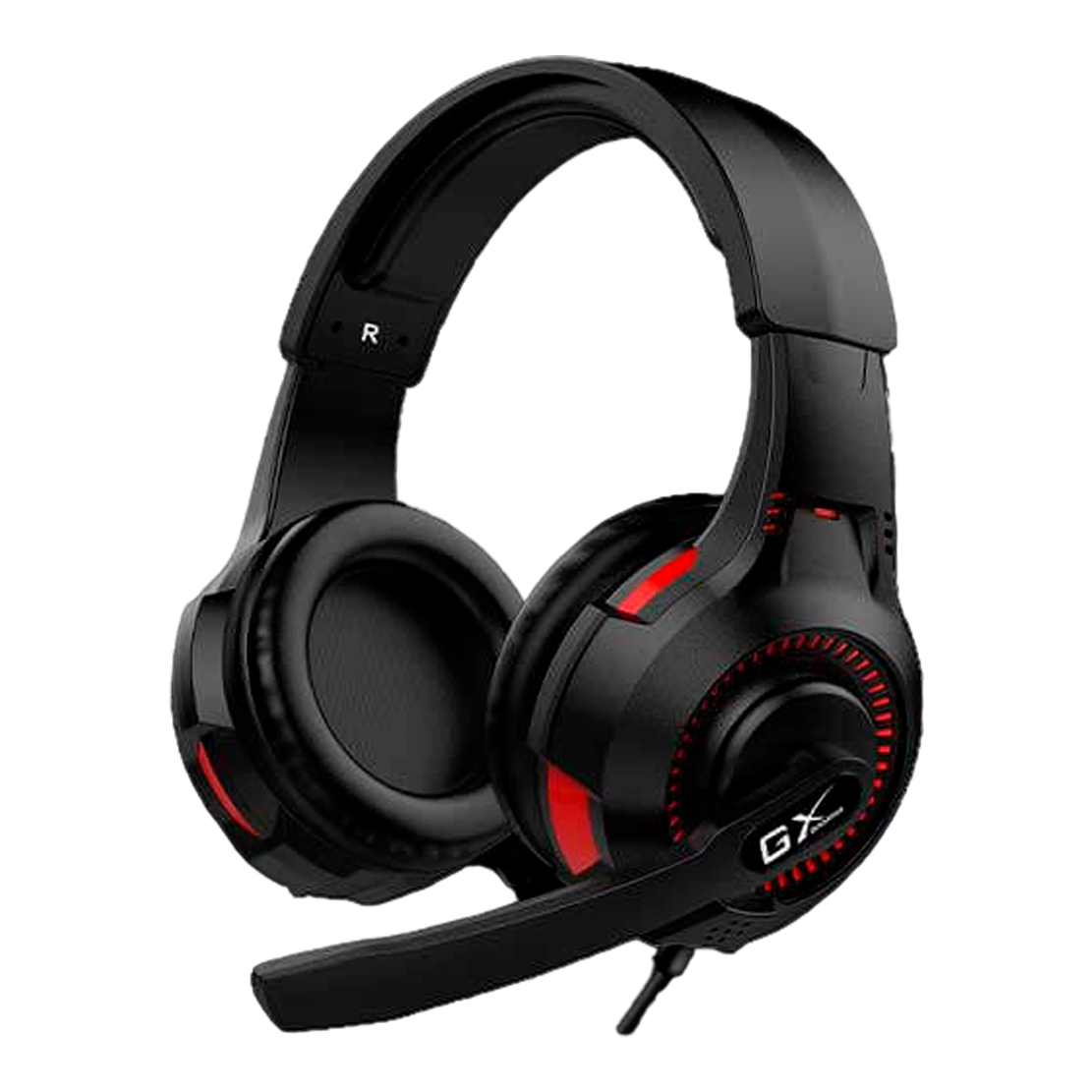
GENIUS GX HS-G600V
19900
AMD
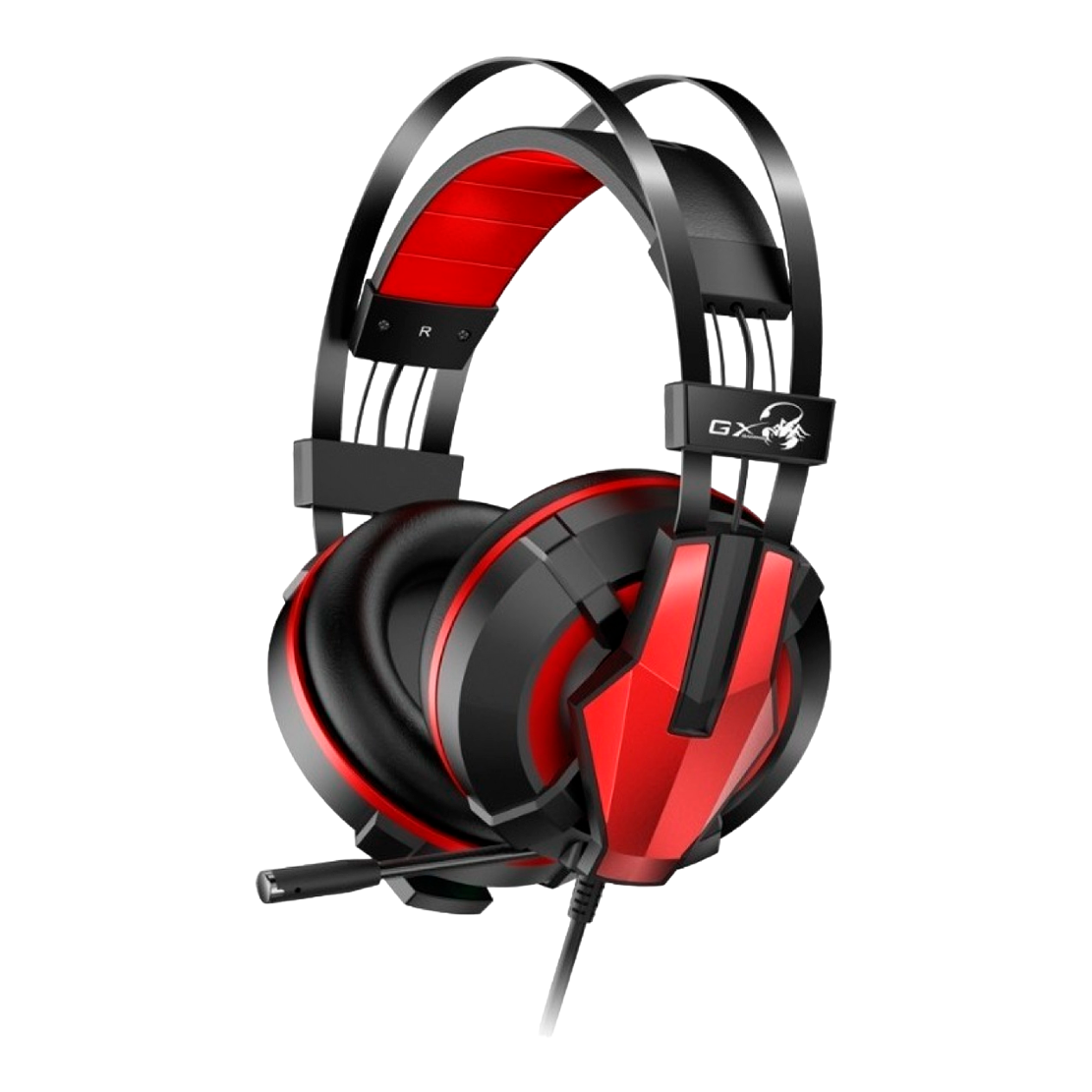
GENIUS GX HS-G710V
37900
AMD
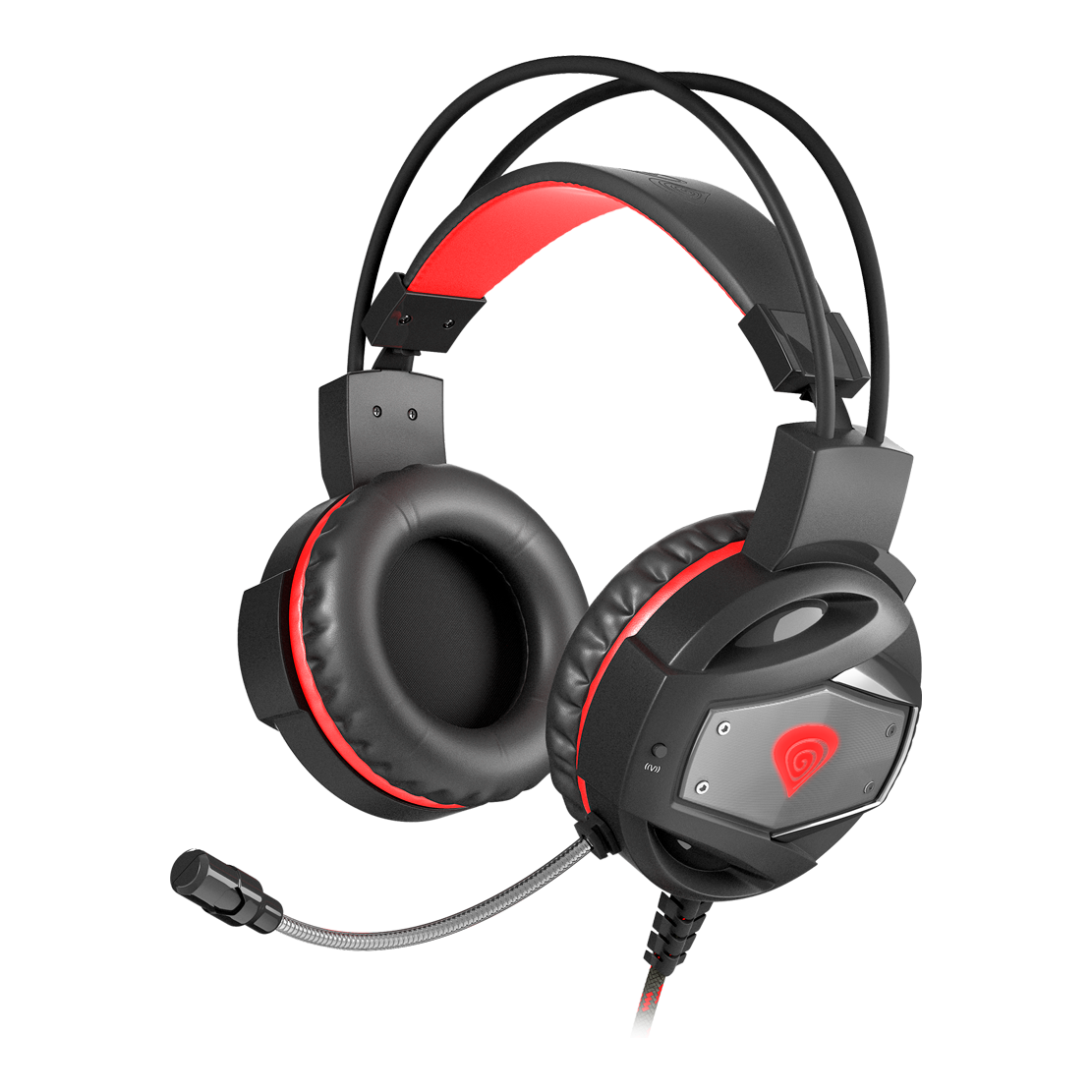
GENESIS NSG-0943 NEON 350
17900
AMD
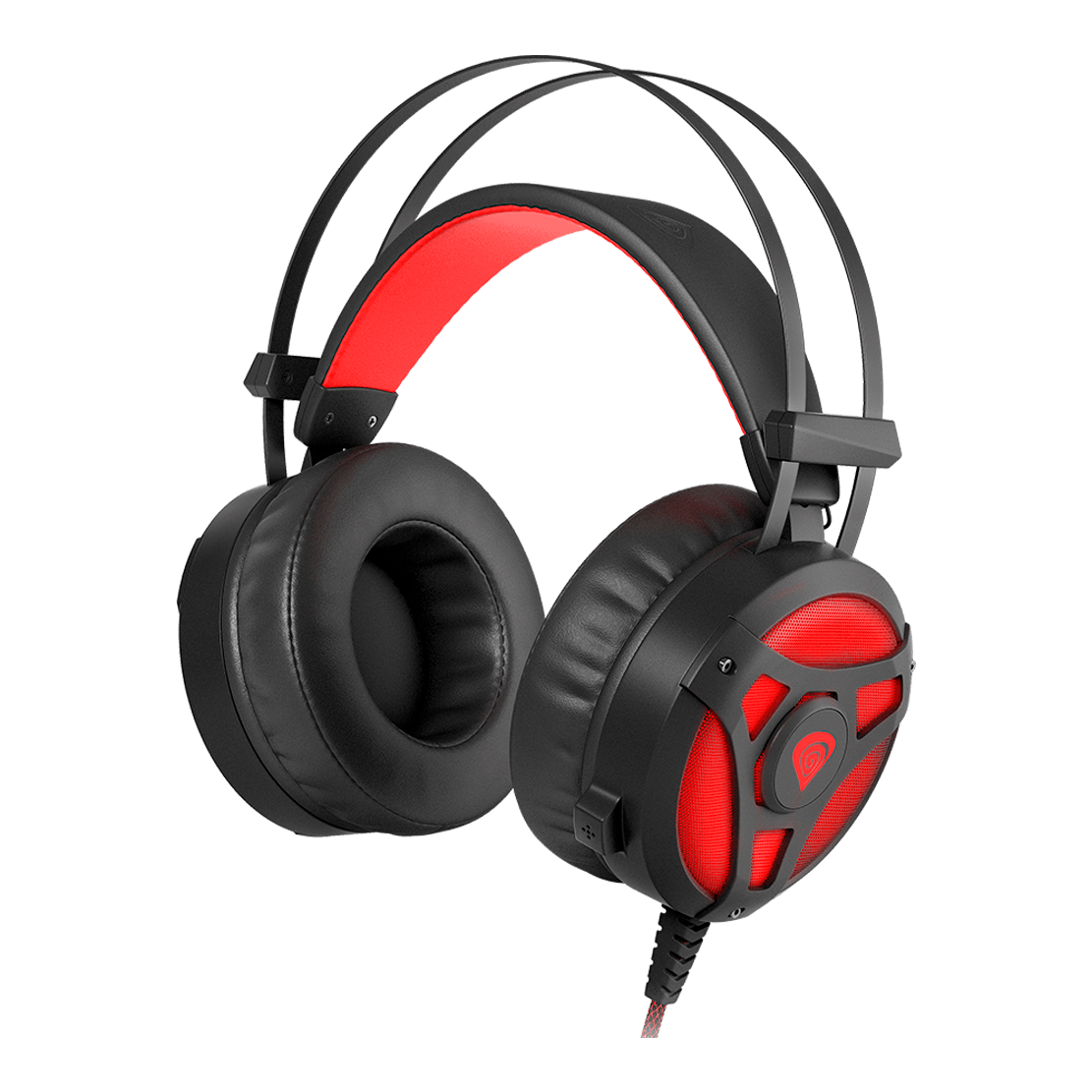
GENESIS NSG-1107 NEON 360
19900
AMD

GENESIS NSG-0687 ARGON 400
19900
AMD
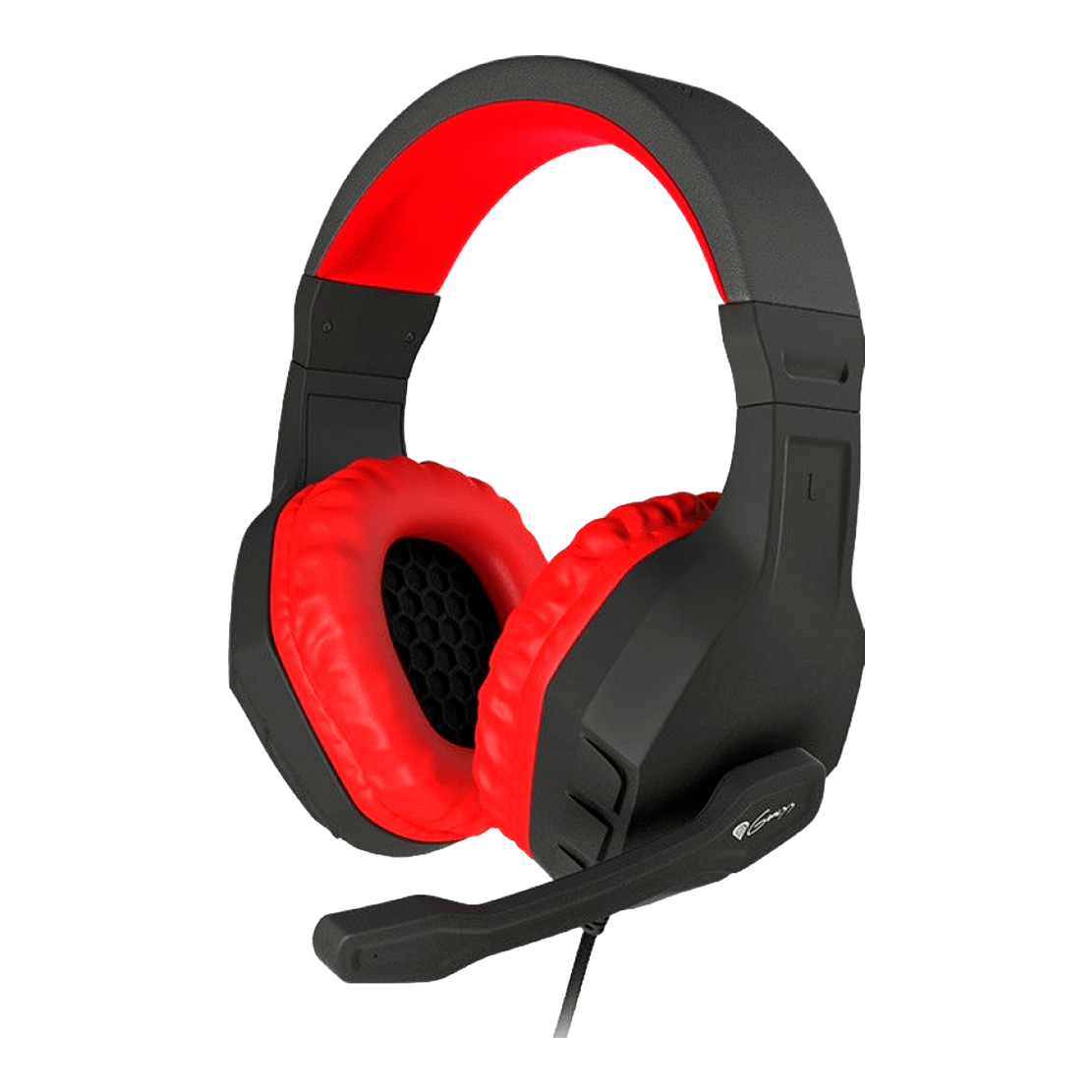
GENESIS NSG-0900 ARGON 200
9900
AMD
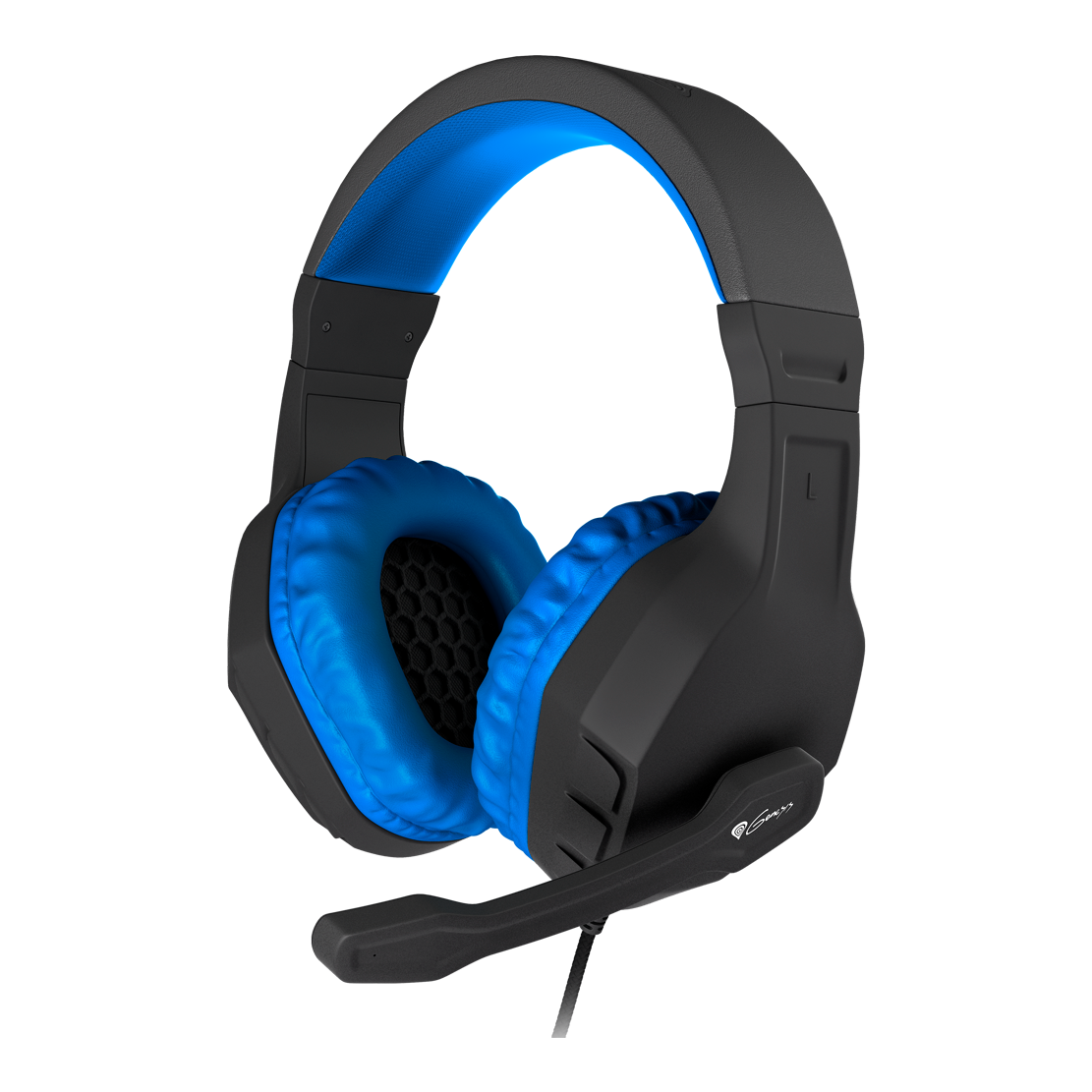
GENESIS NSG-0901 ARGON 200
9900
AMD
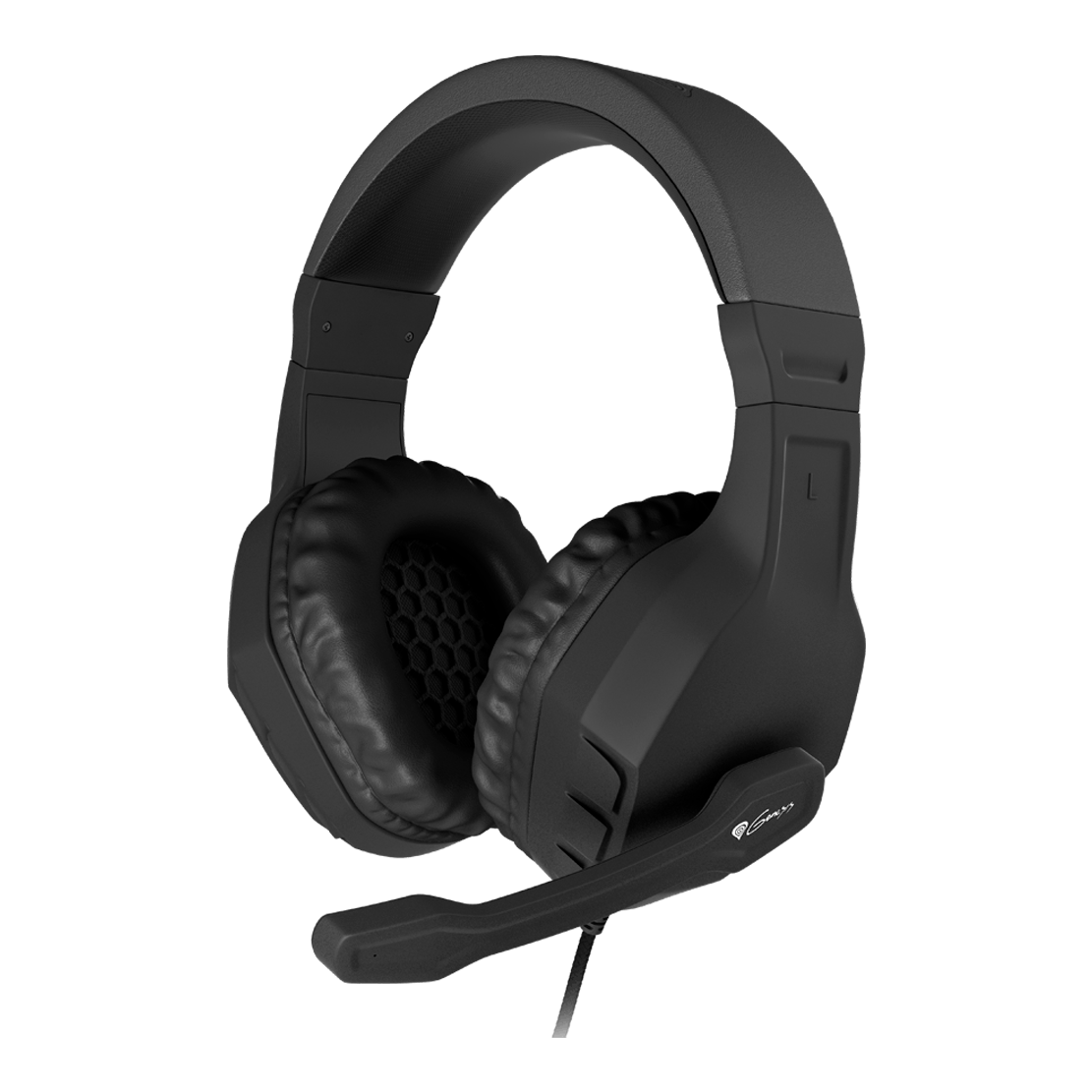
GENESIS NSG-0902 ARGON 200
9900
AMD
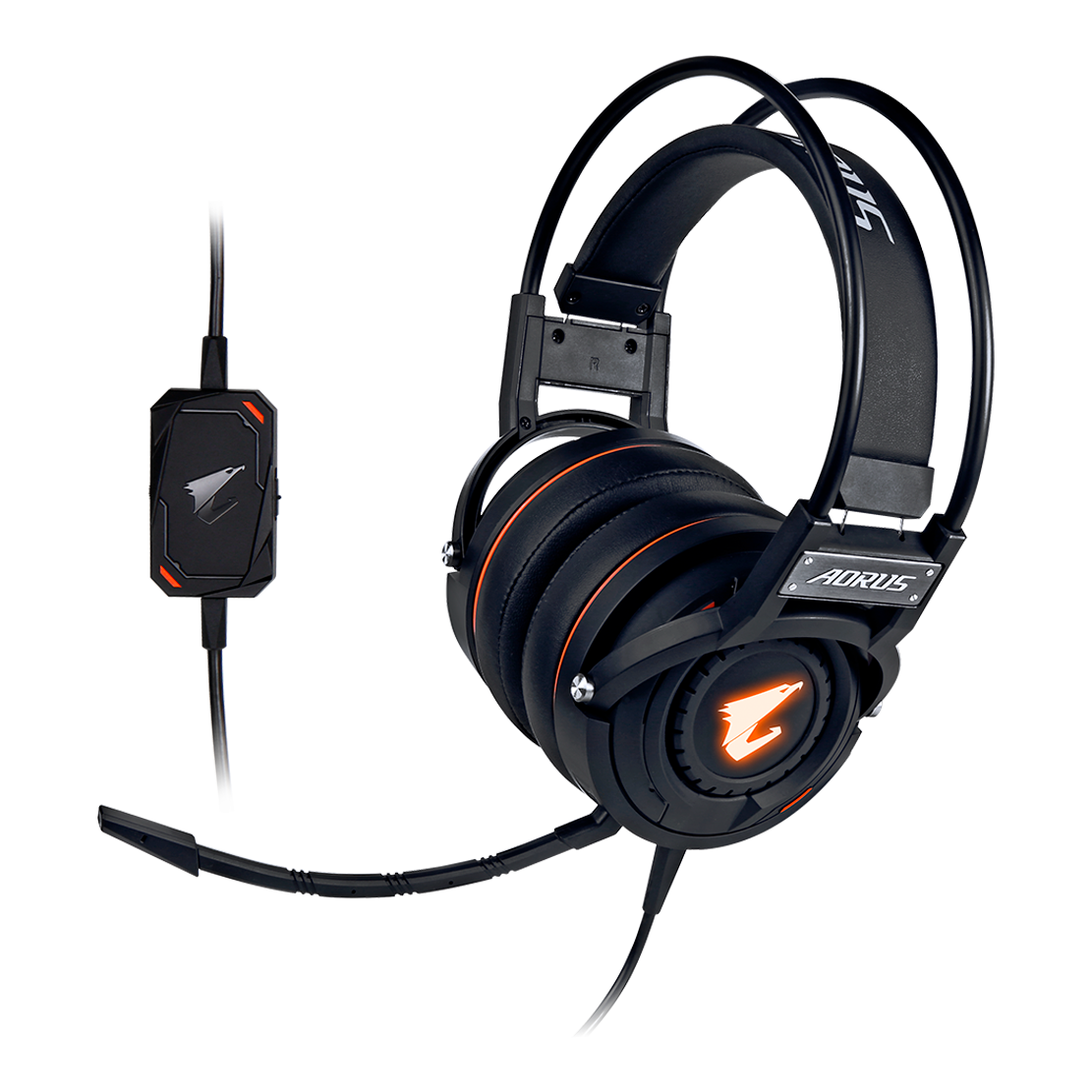
GIGABYTE AORUS H5 RGB
53900
AMD
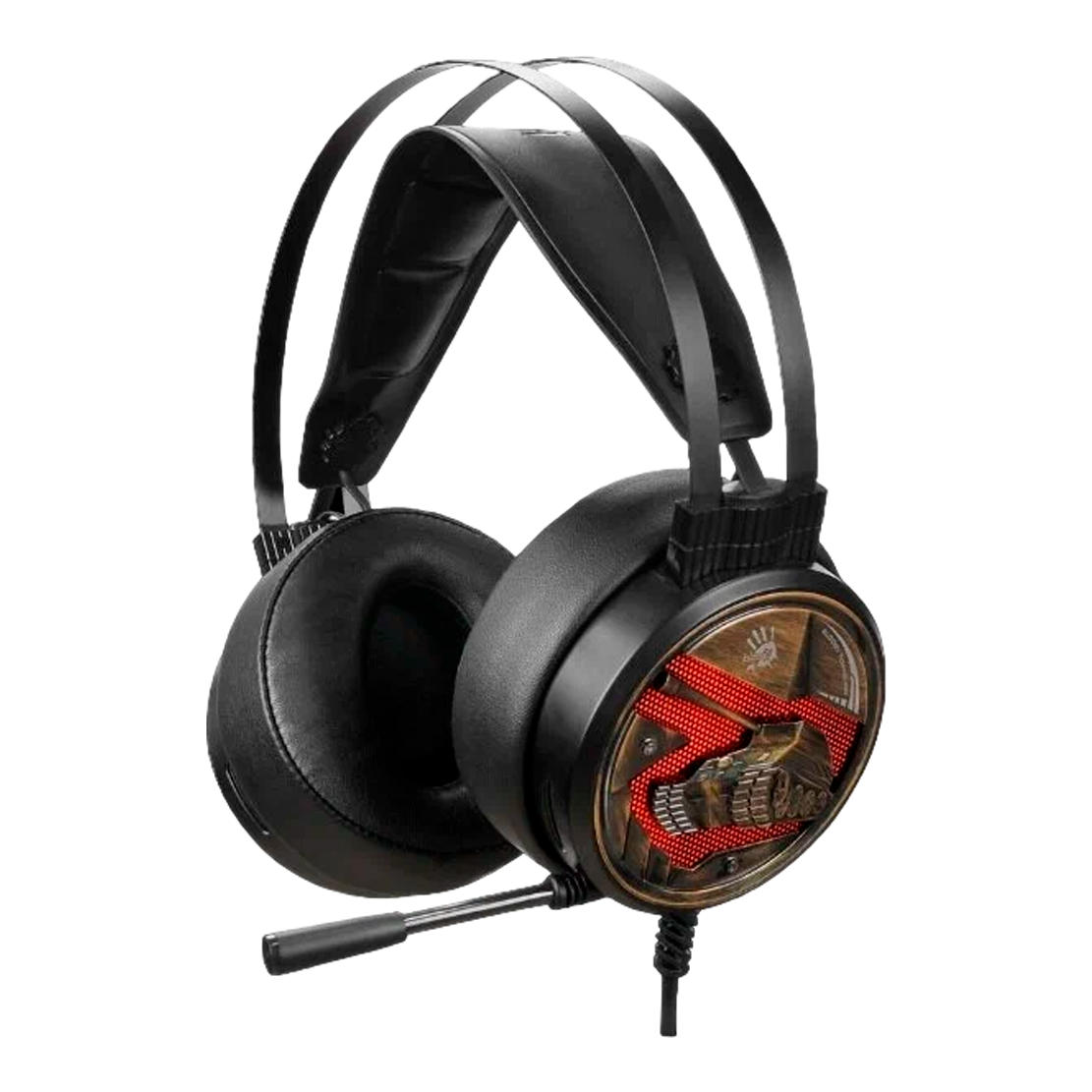
A4TECH BLOODY G650S
29900
AMD
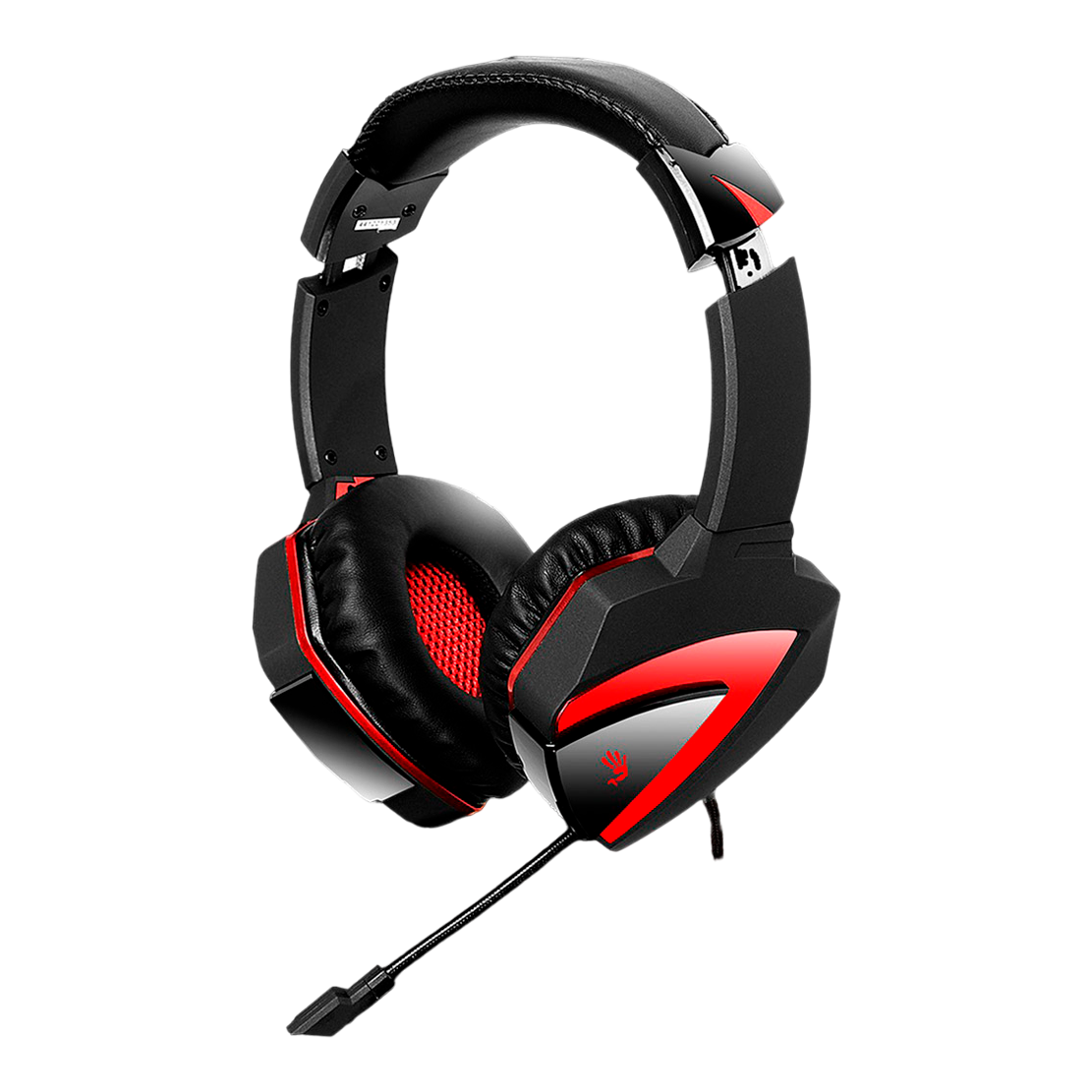
A4TECH BLOODY G501
39900
AMD
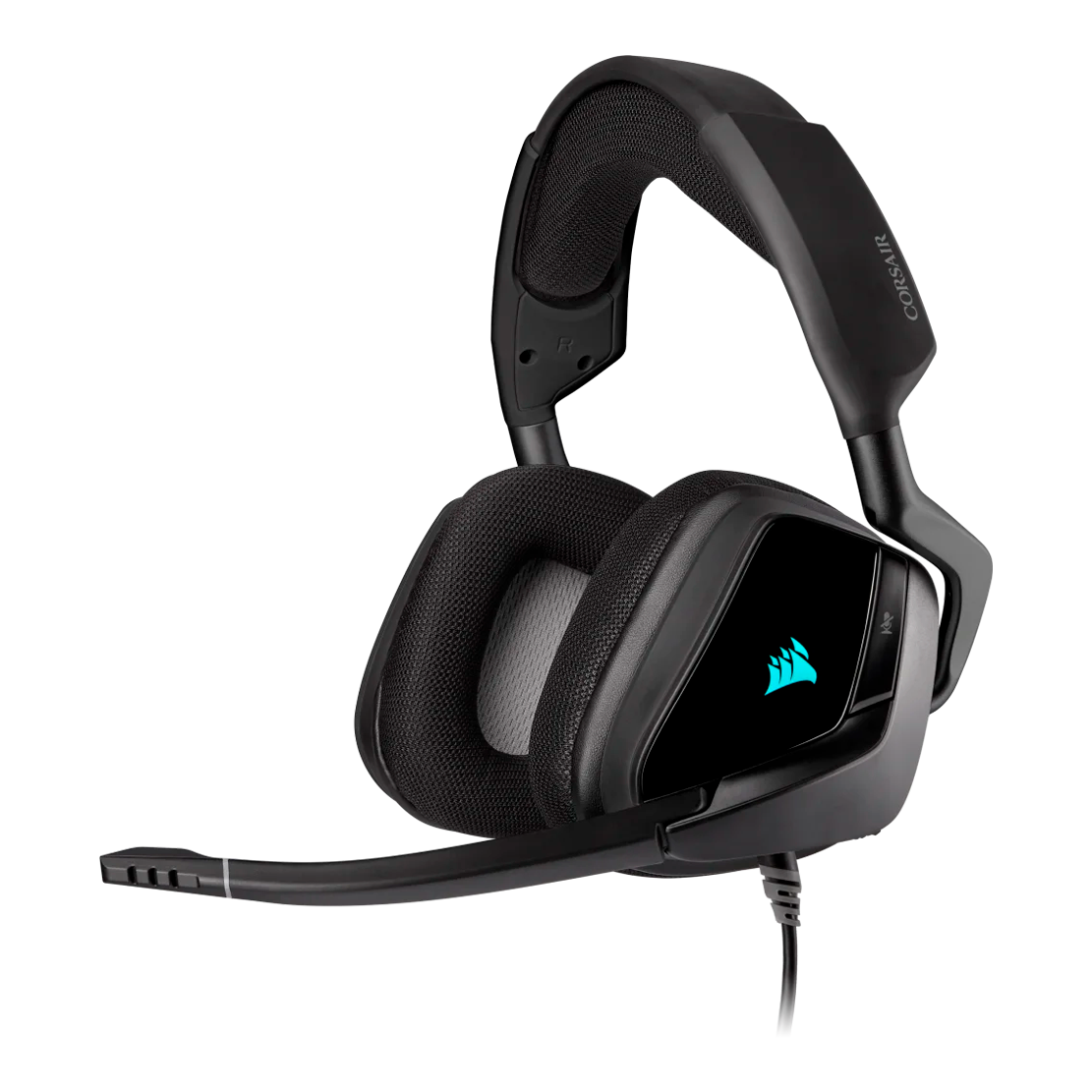
CORSAIR VOID RGB ELITE USB CARBON
41900
AMD
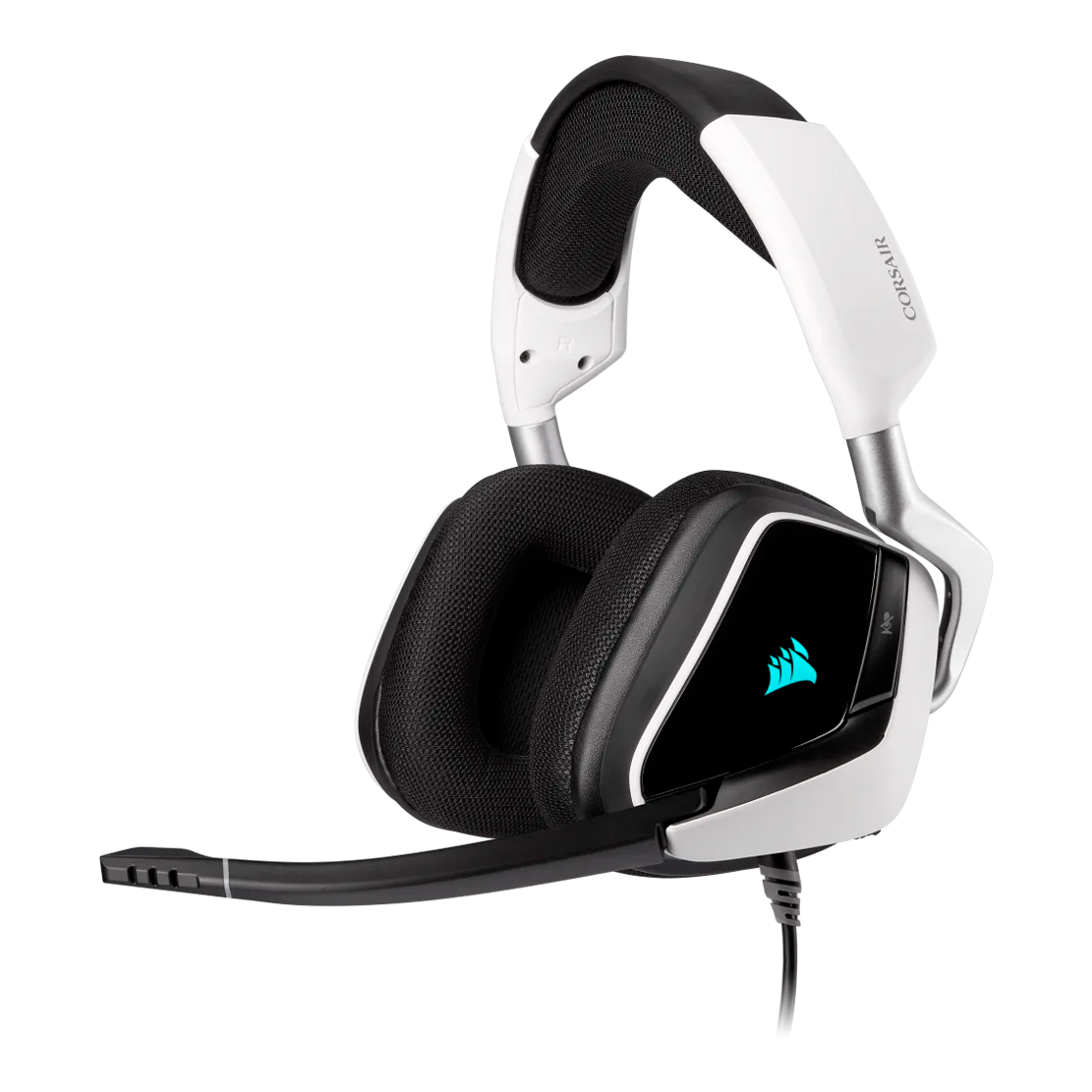
CORSAIR VOID RGB ELITE USB WHITE
41900
AMD

CORSAIR VOID ELITE SURROUND CARBON
45900
AMD
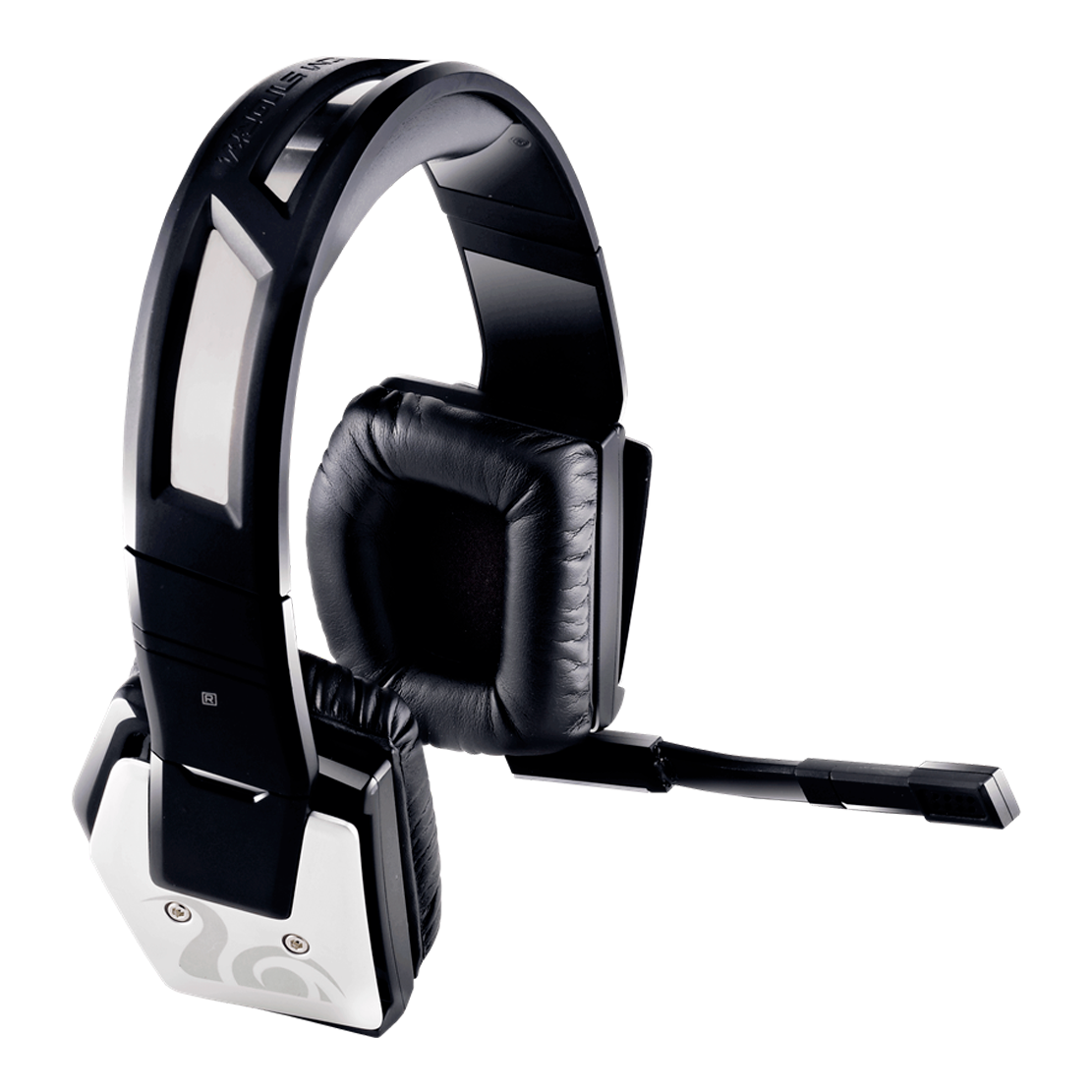
COOLER MASTER PULSE-R
45900
AMD
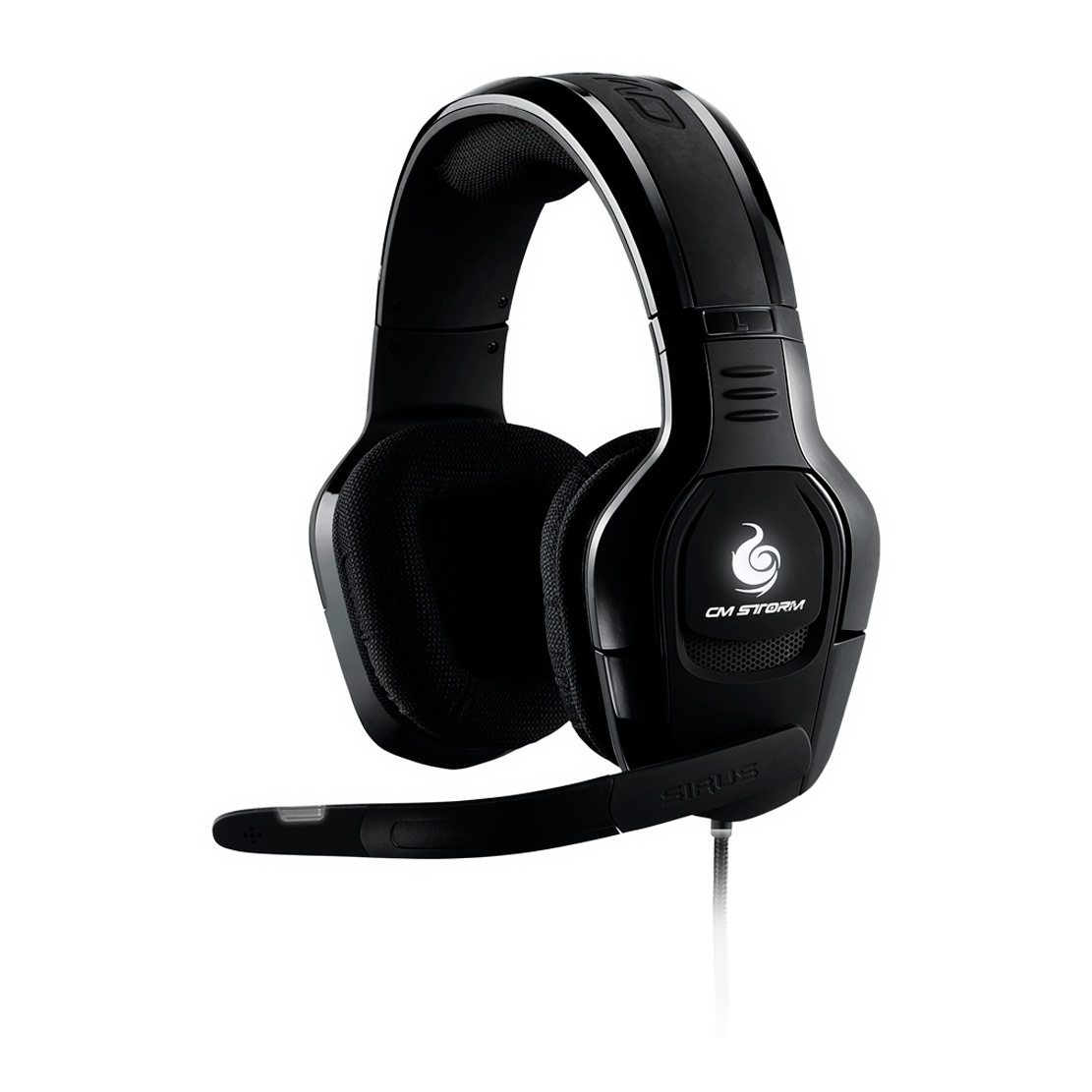
COOLER MASTER SIRUS-C
48900
AMD
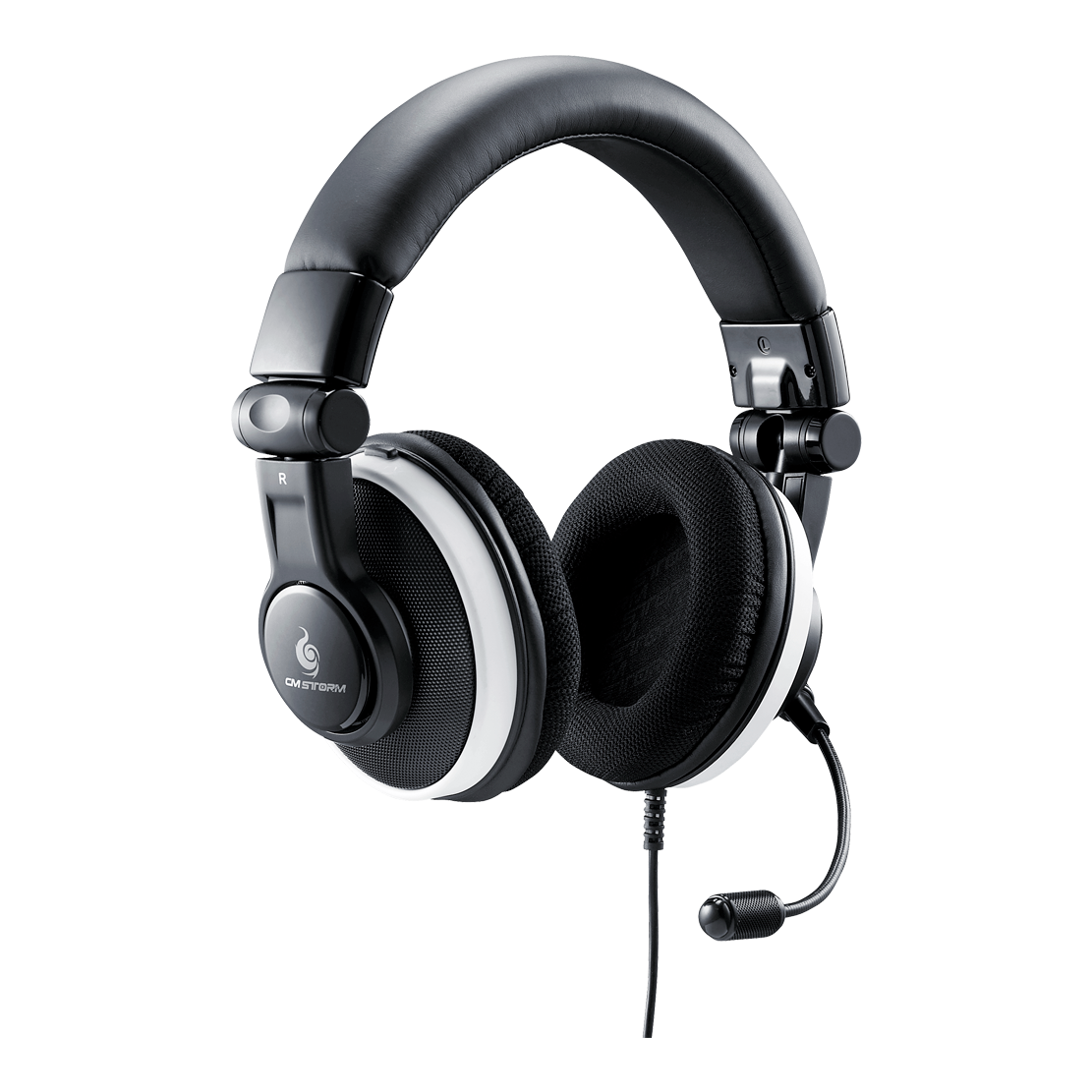
COOLER MASTER CERES-500
38900
AMD
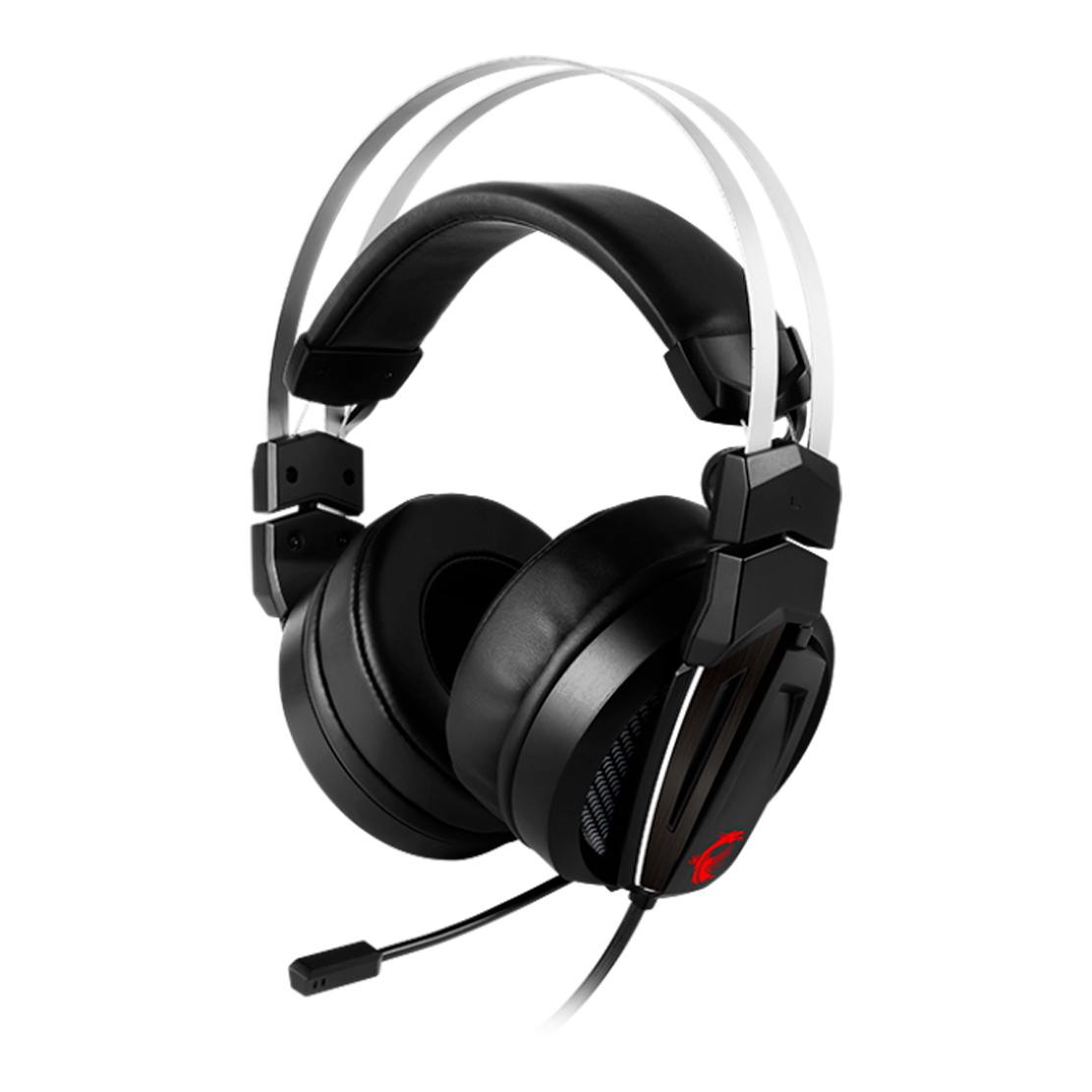
MSI IMMERSE GH60
69900
AMD
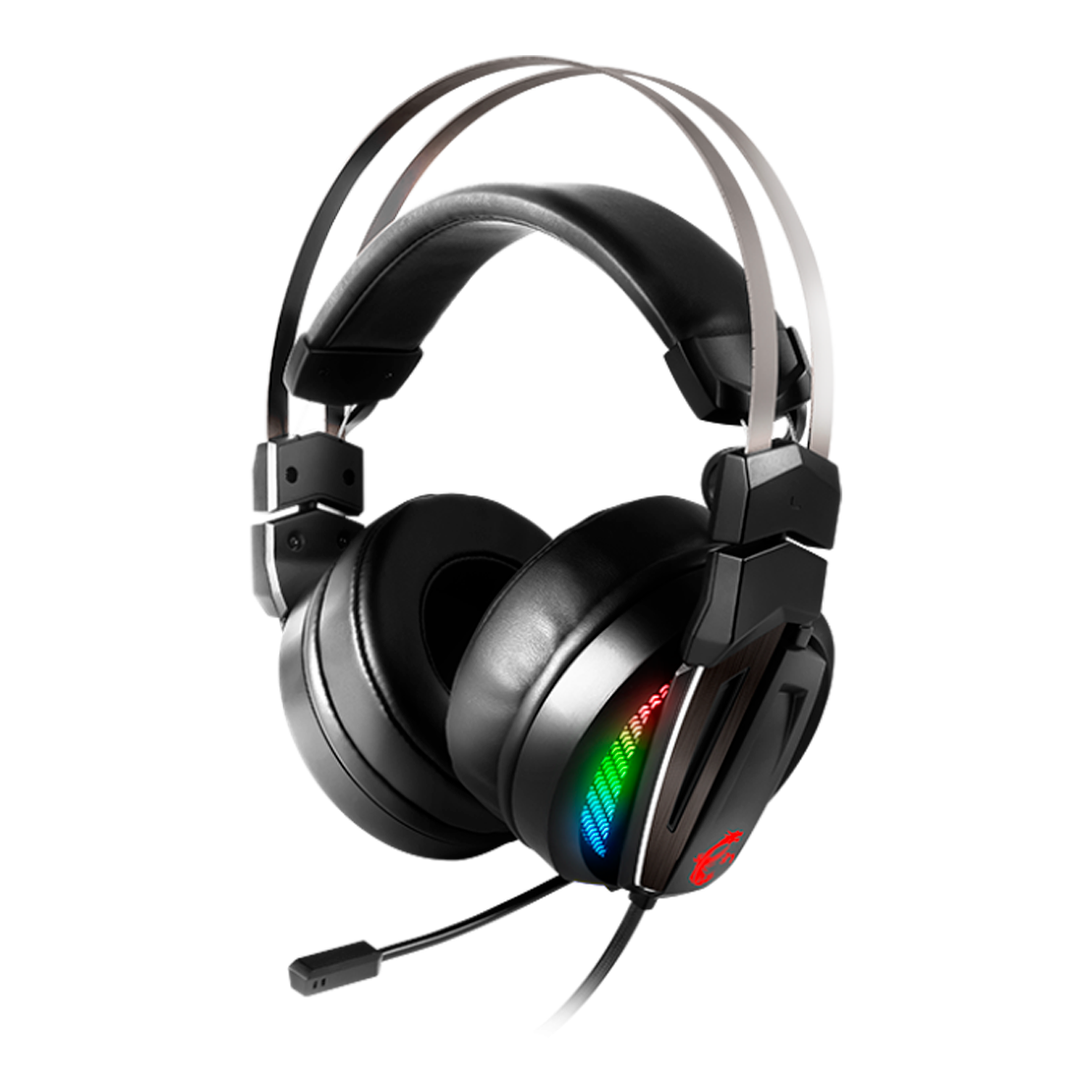
MSI IMMERSE GH70
79900
AMD

G.SKILL RIPJAWS SV710
43900
AMD

ROCCAT KHAN AIMO
82900
AMD

ROCCAT KHAN PRO
72900
AMD
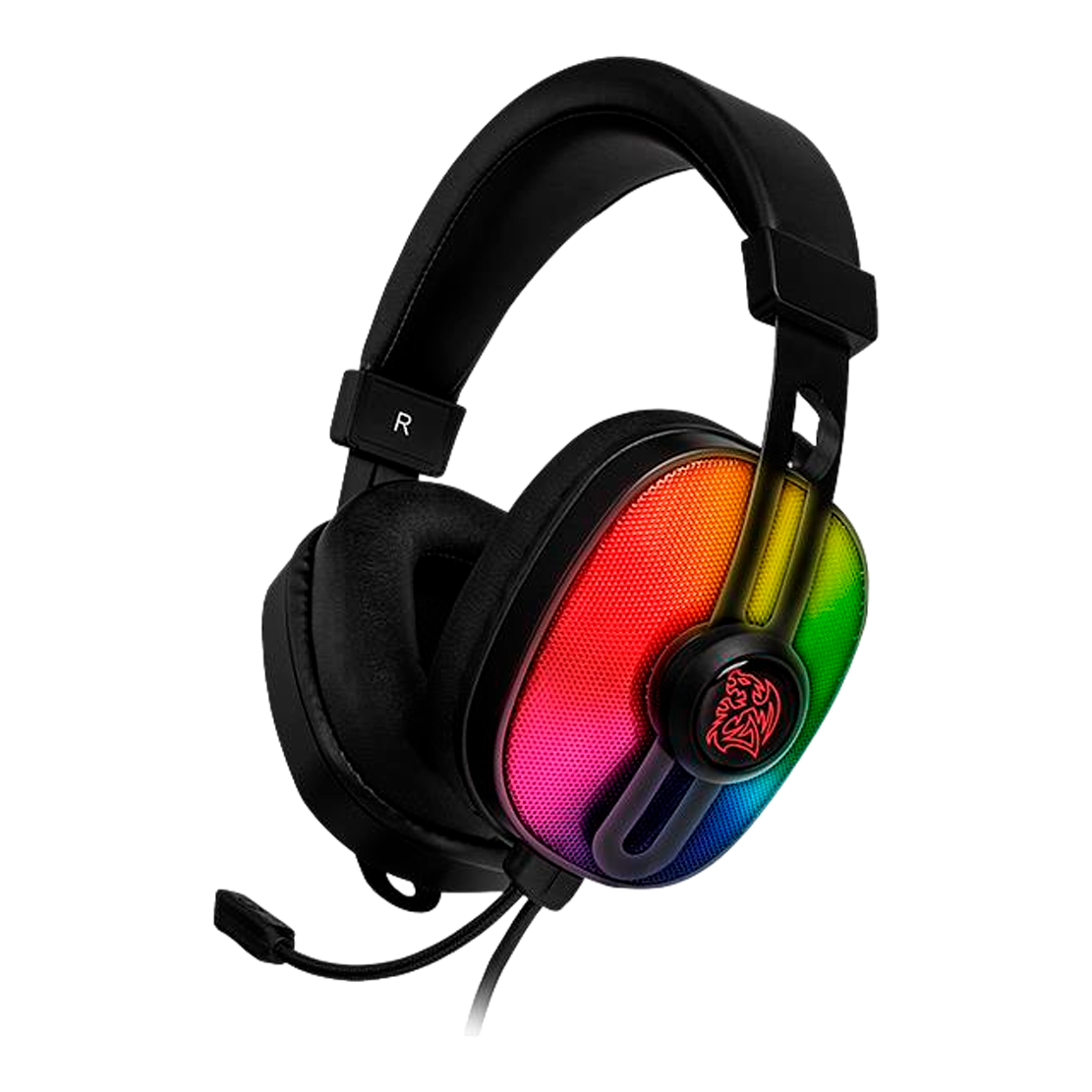
THERMALTAKE PULSE G100 RGB
37900
AMD
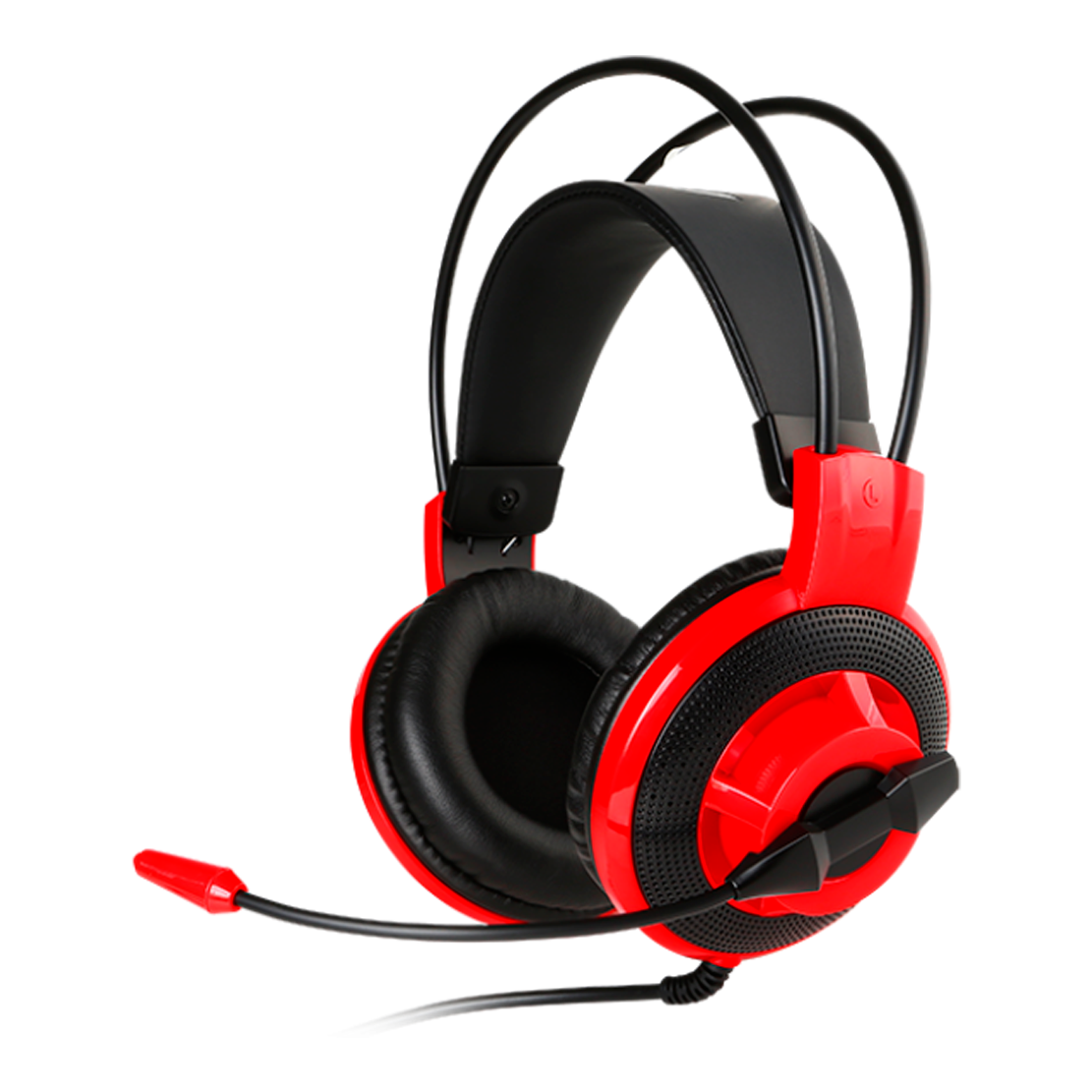
MSI DS501
29900
AMD
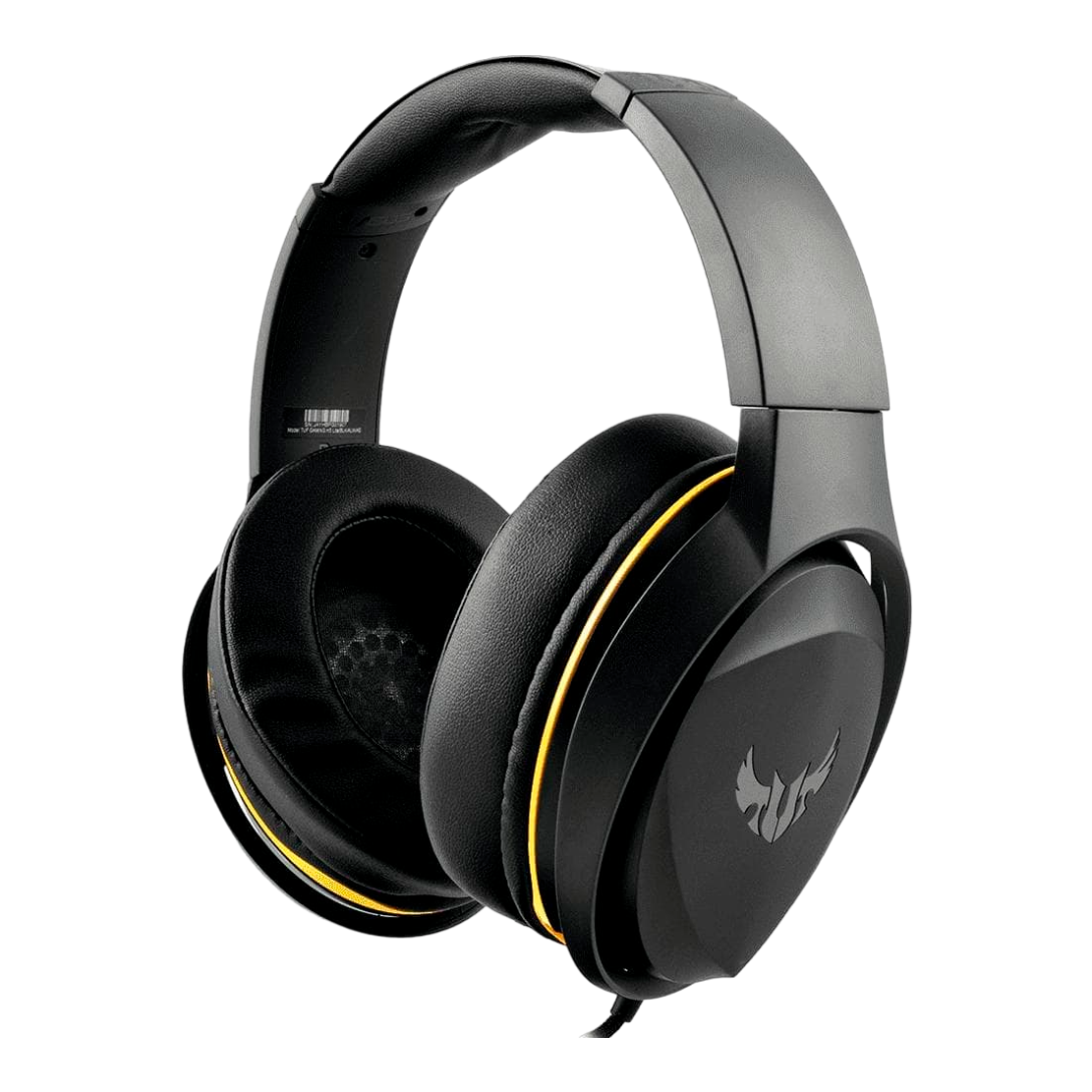
ASUS TUF GAMING H5 LITE
37900
AMD
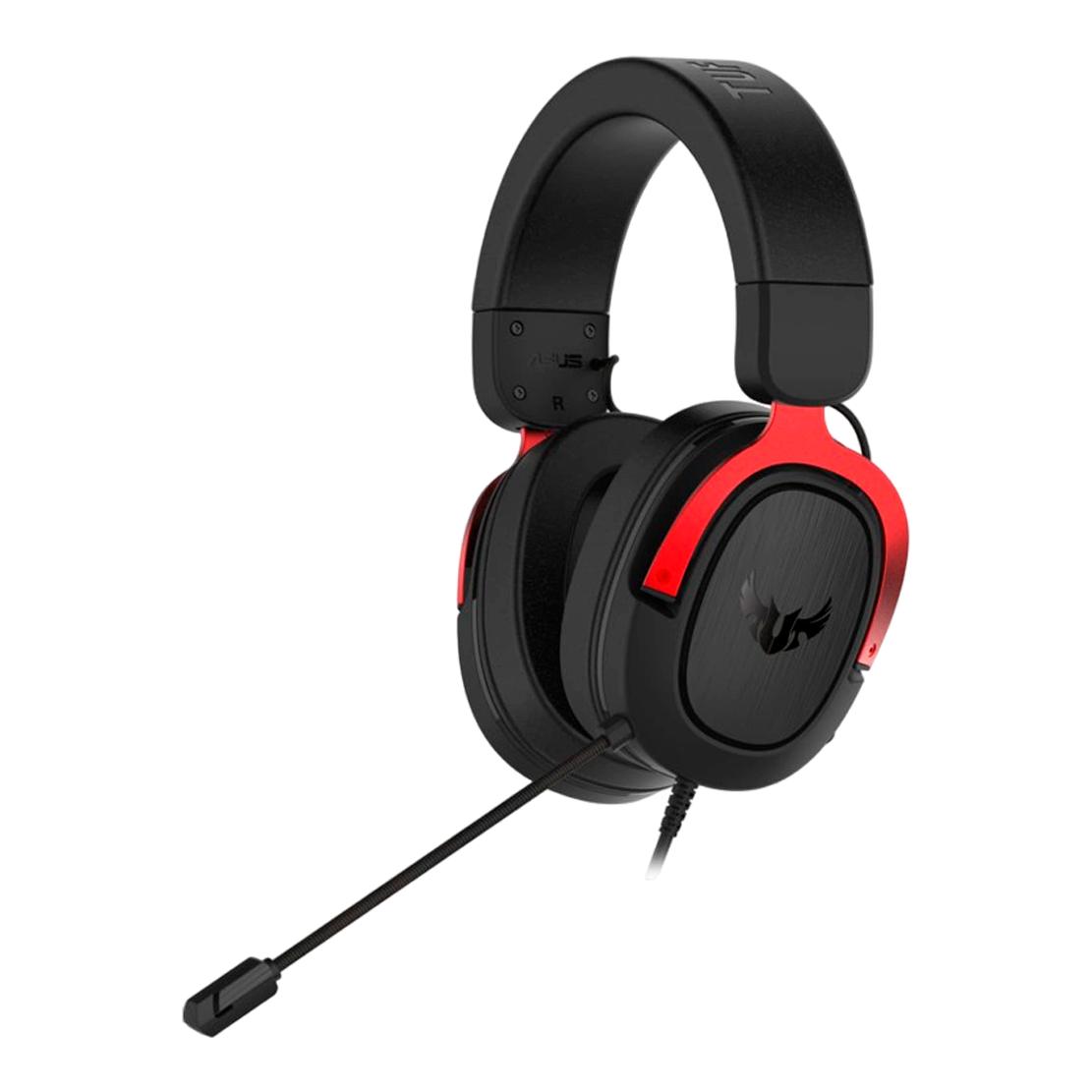
ASUS TUF GAMING H3
41900
AMD
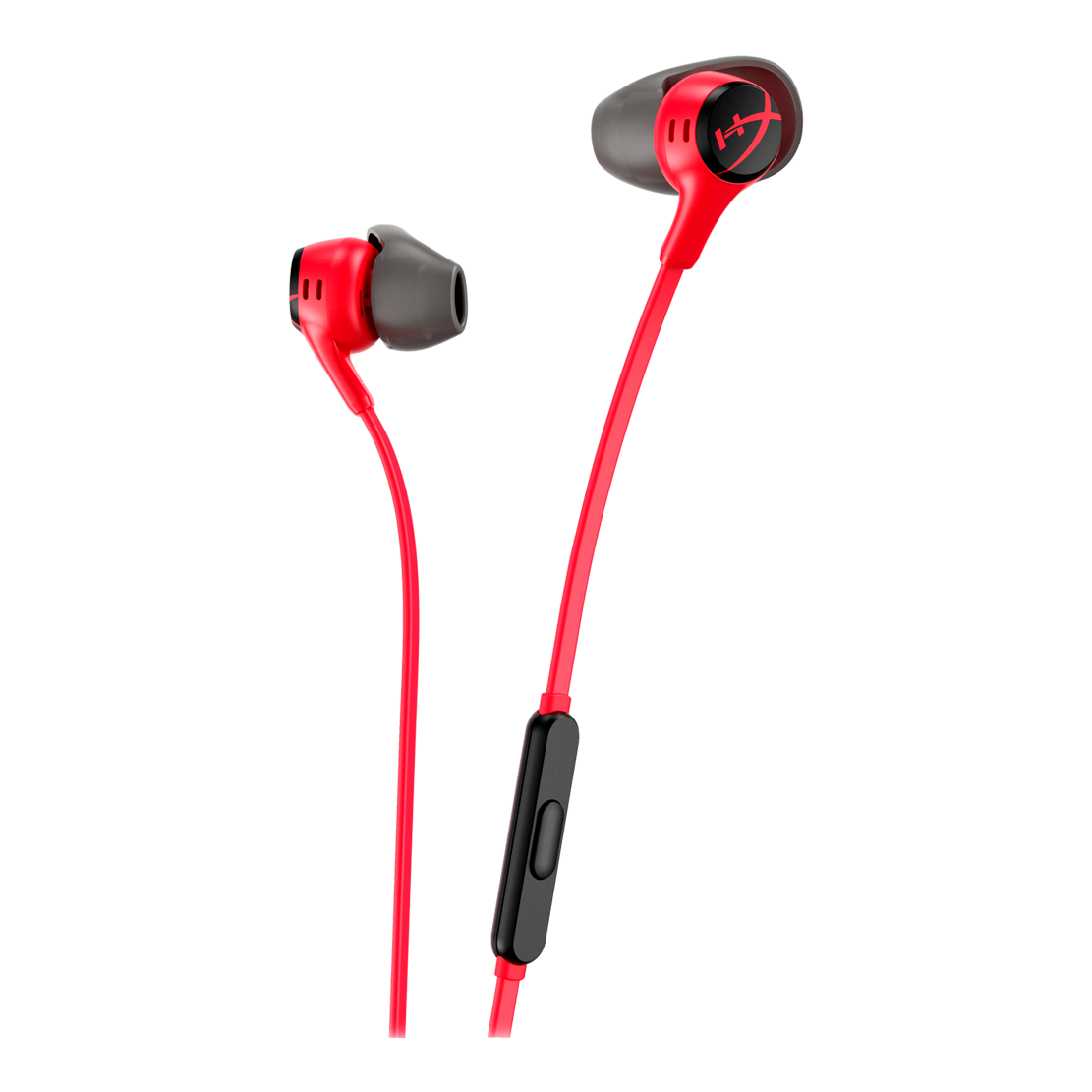
HYPERX CLOUD EARBUDS II RED
16900
AMD
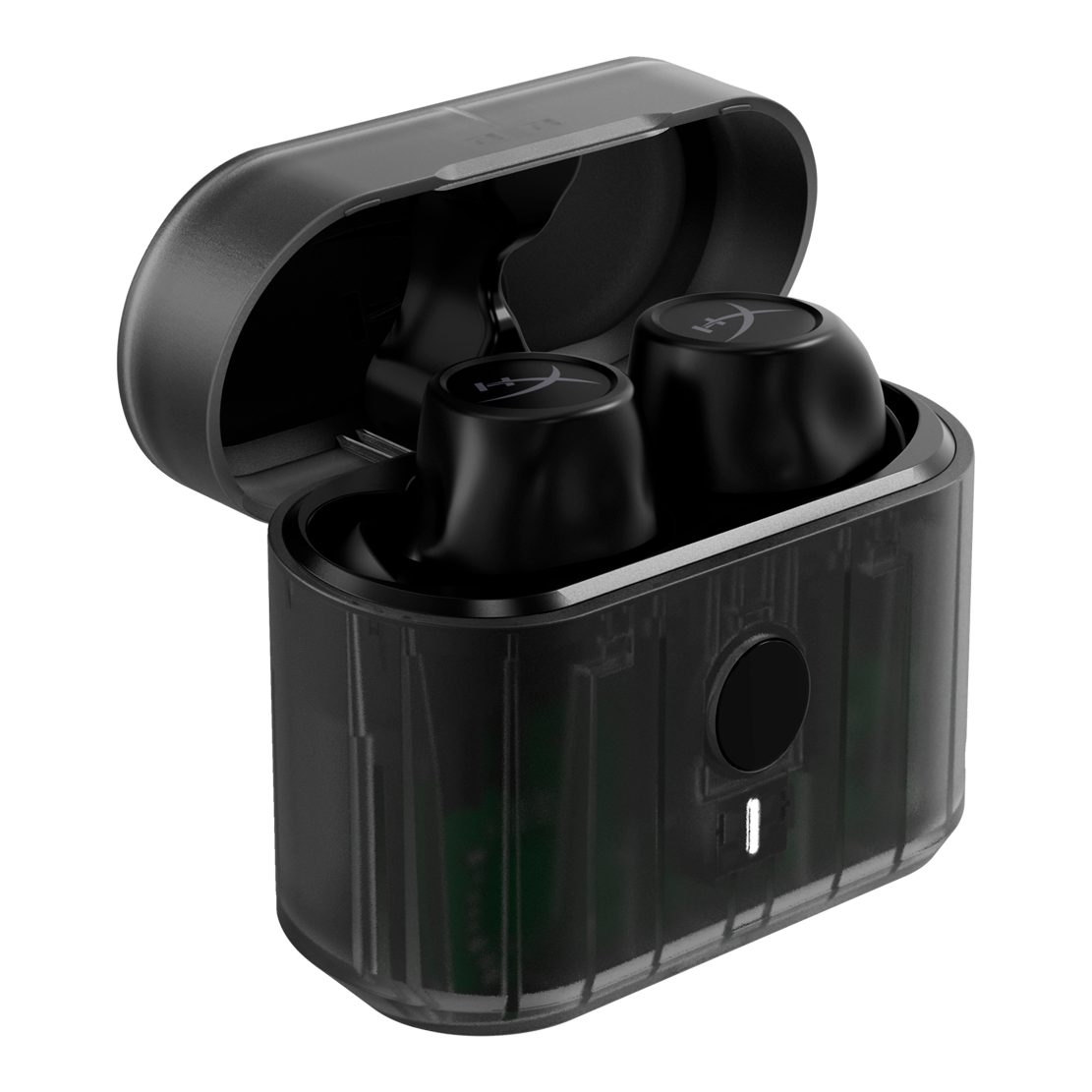
HYPERX CIRRO BUDS PRO BLACK
26900
AMD
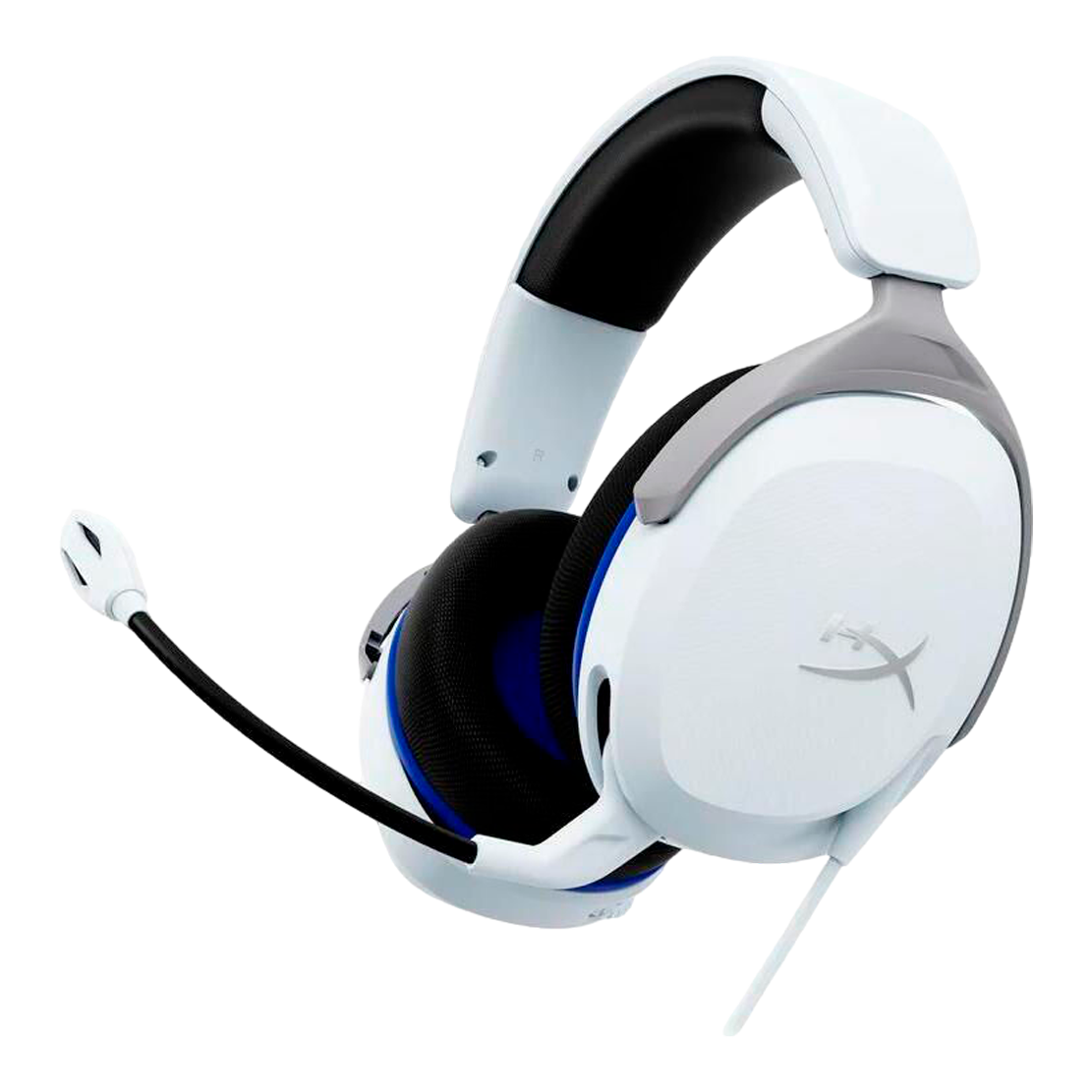
HYPERX CLOUD STINGER 2 CORE GAMING HEADSETS PS WHITE
19900
AMD
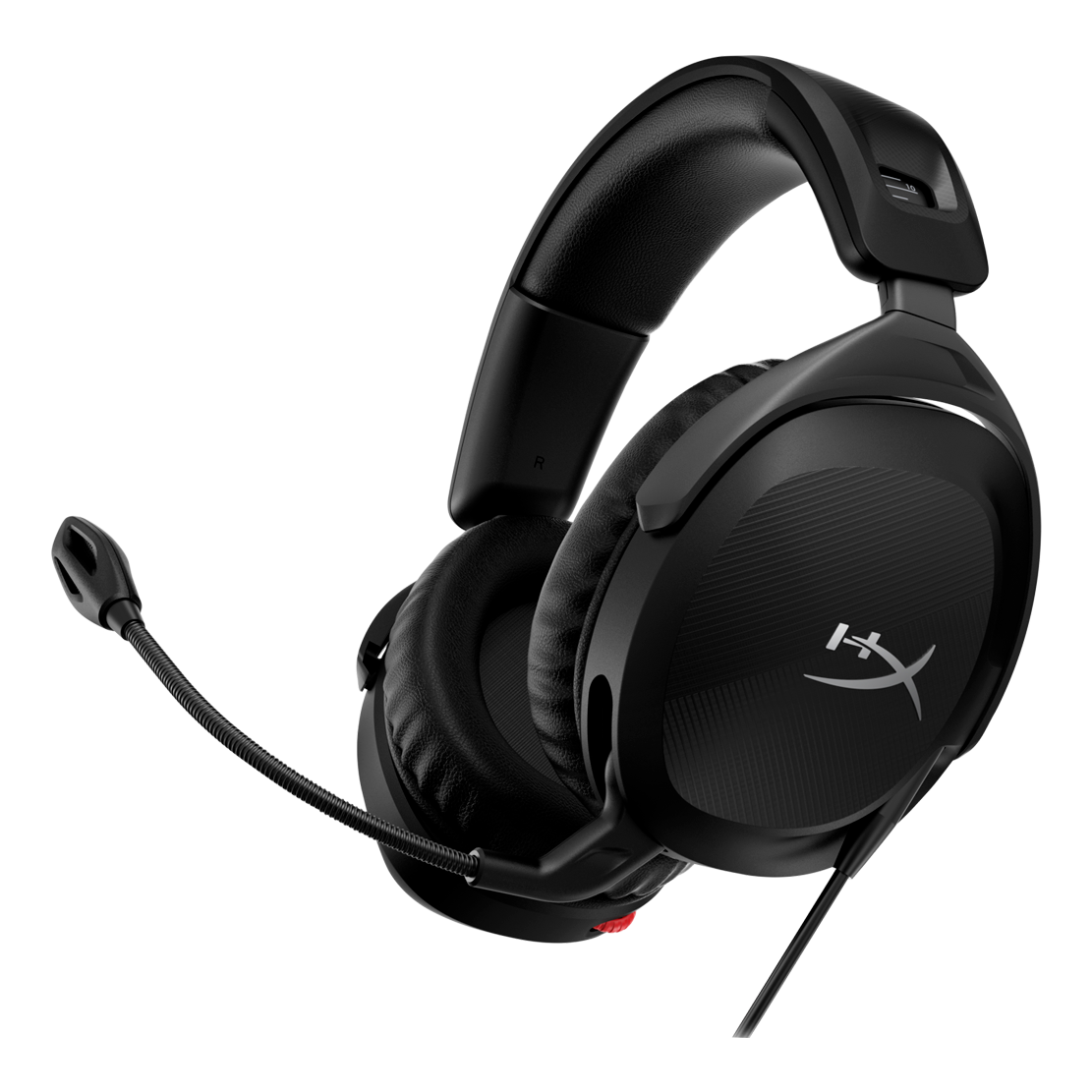
HYPERX CLOUD STINGER 2 - WIRED GAMING HEADSET (BLACK)
26900
AMD
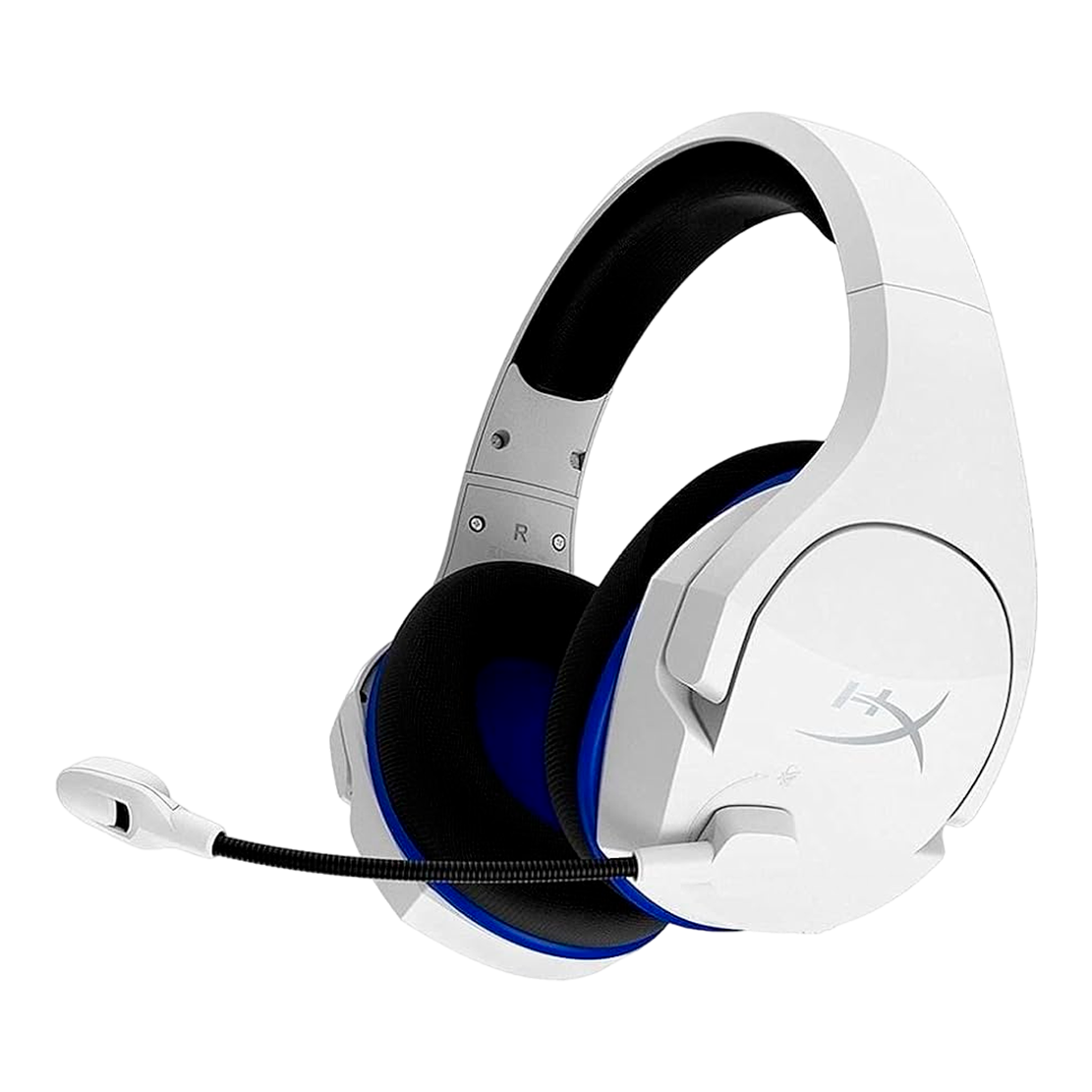
HYPERX CLOUD STINGER CORE - WIRELESS GAMING HEADSET (WHITE-BLUE) - PS5-PS4
36900
AMD

HYPERX CLOUD STINGER 2 WIRELESS GAMING HEADSET
38900
AMD
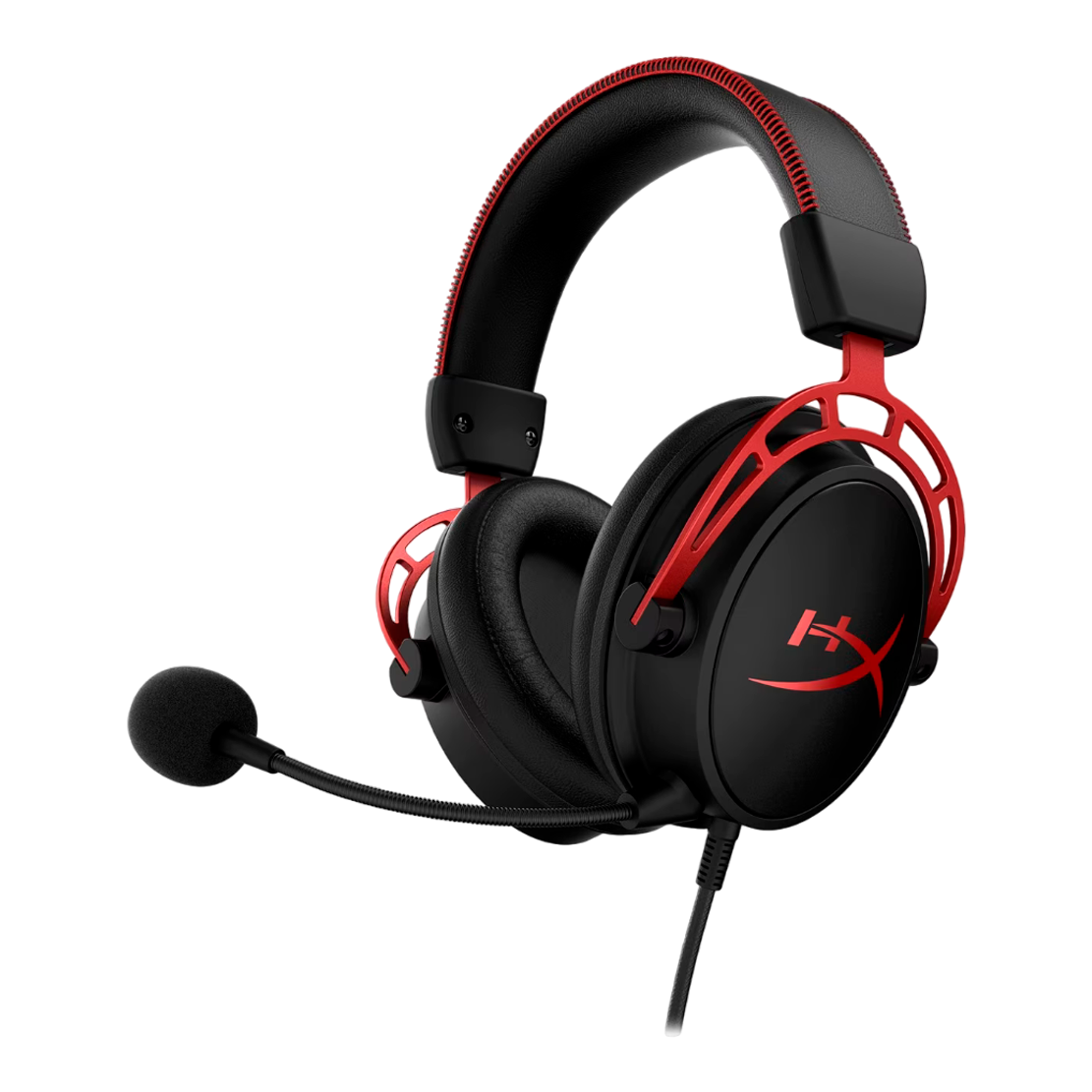
HYPERX CLOUD ALPHA - GAMING HEADSET (BLACK-RED)
49900
AMD

HYPERX CLOUD II CORE WIRELESS GAMING HEADSET
50900
AMD
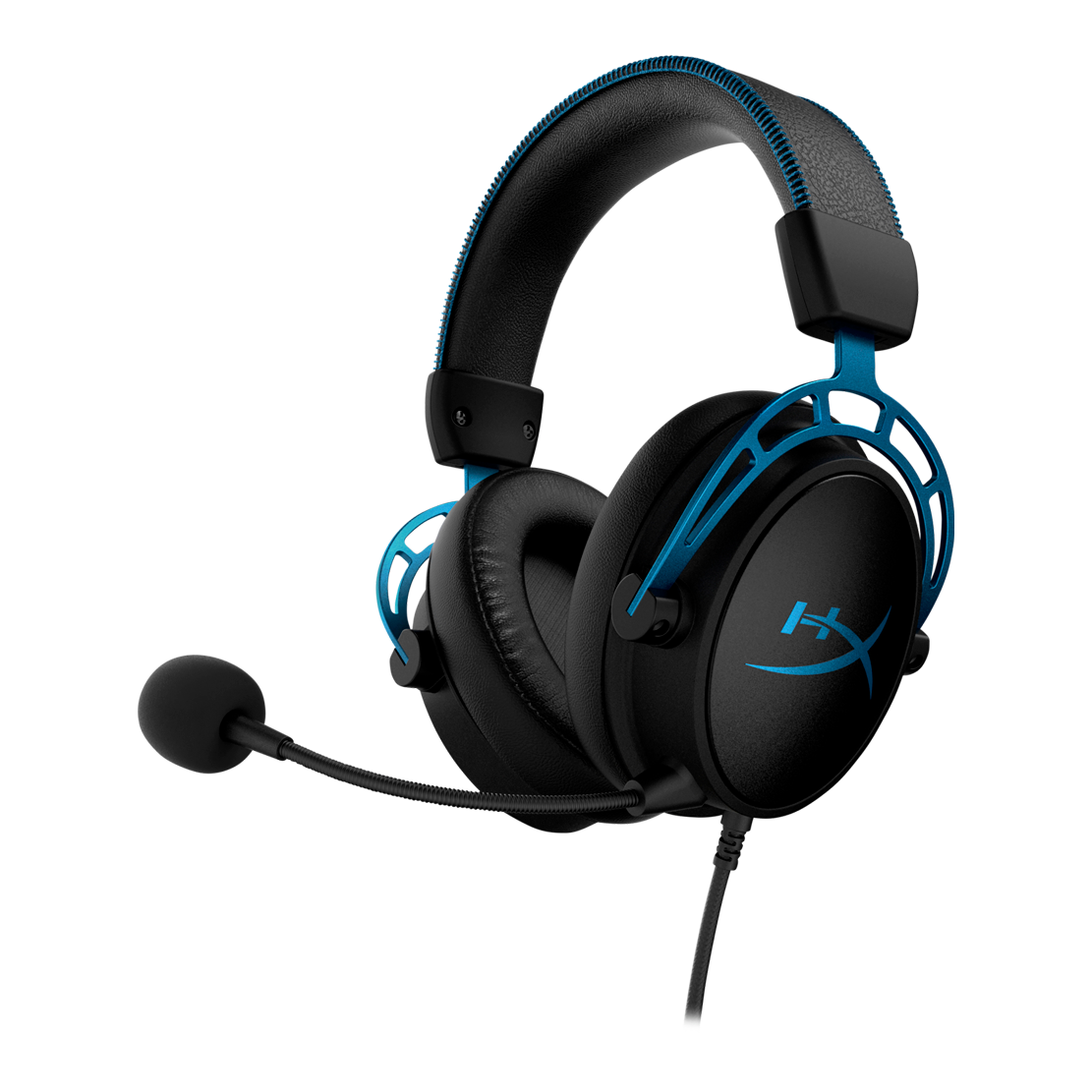
HYPERX CLOUD ALPHA S - GAMING HEADSET (BLACK-BLUE)
58900
AMD
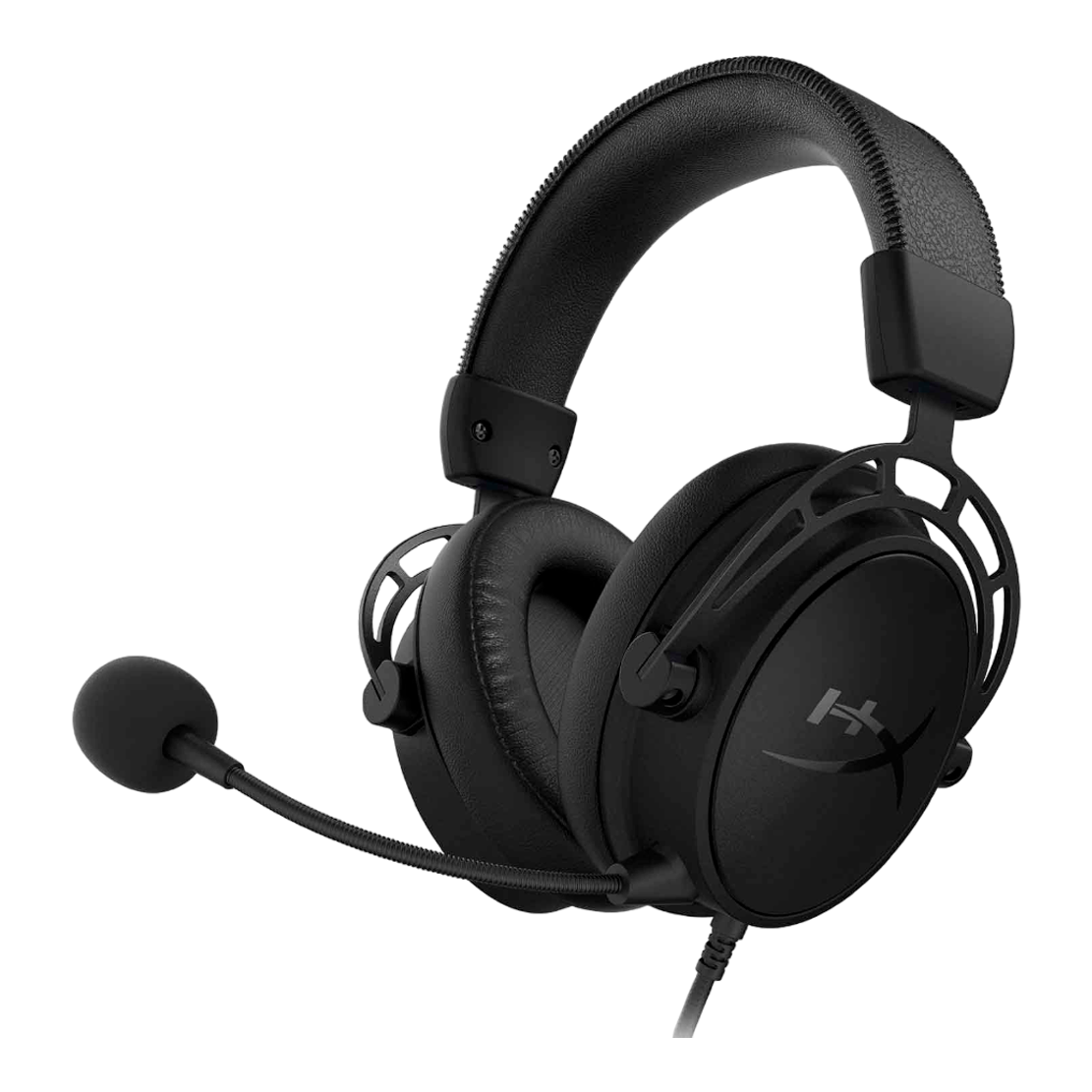
HYPERX CLOUD ALPHA S - GAMING HEADSET (BLACK)
58900
AMD
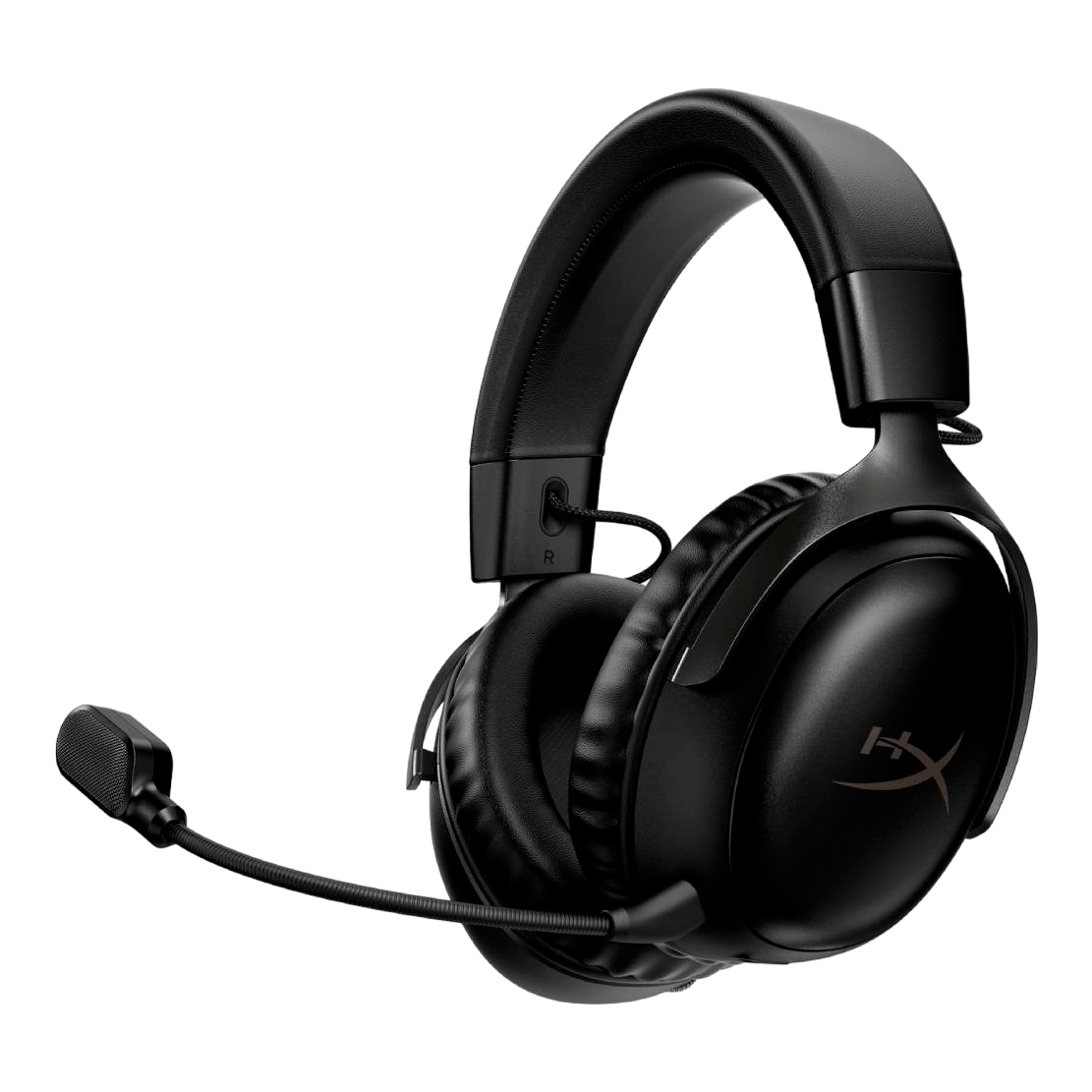
HYPERX CLOUD III WIRELESS - GAMING HEADSET BLACK
66900
AMD
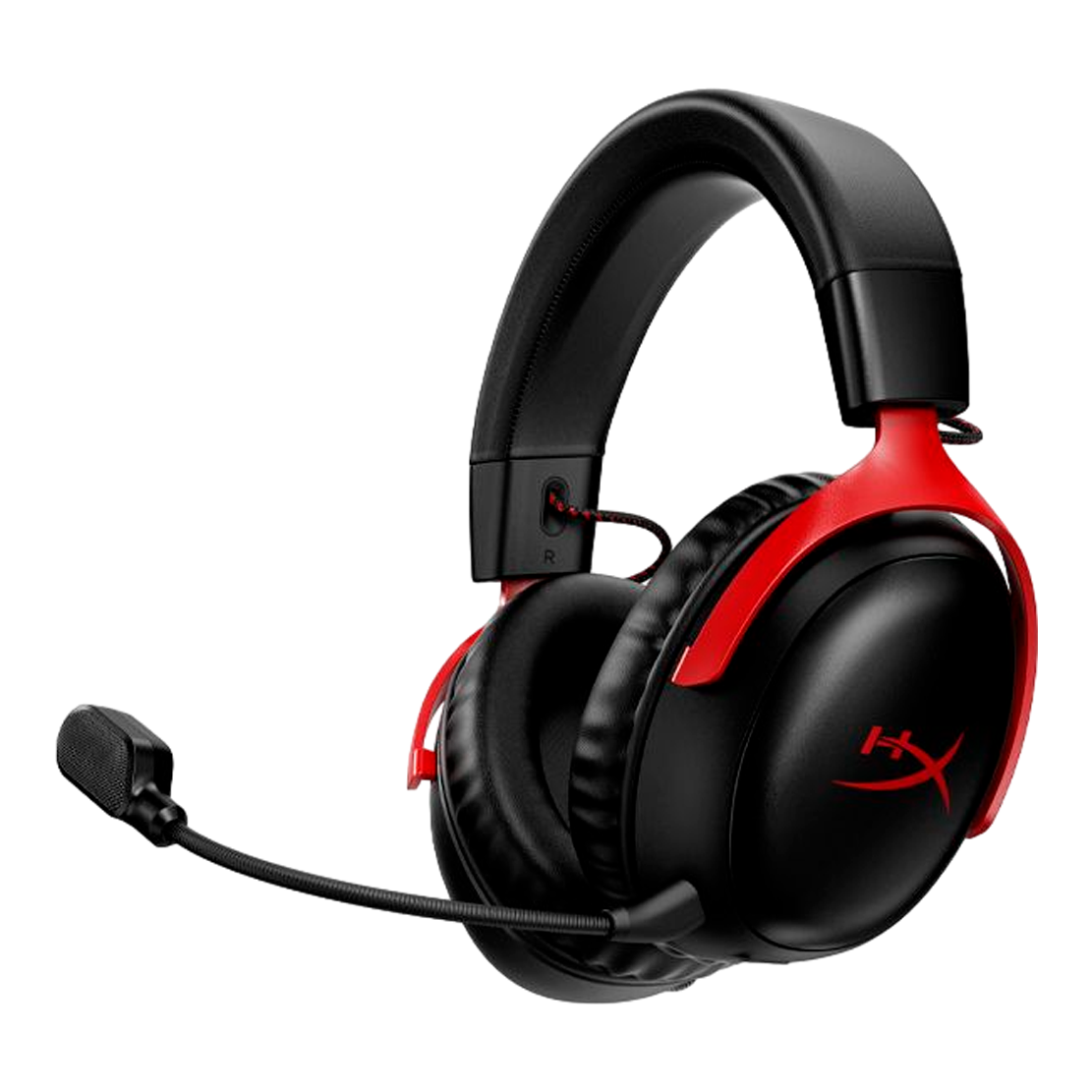
HYPERX CLOUD III WIRELESS - GAMING HEADSET BLACK/RED
66900
AMD
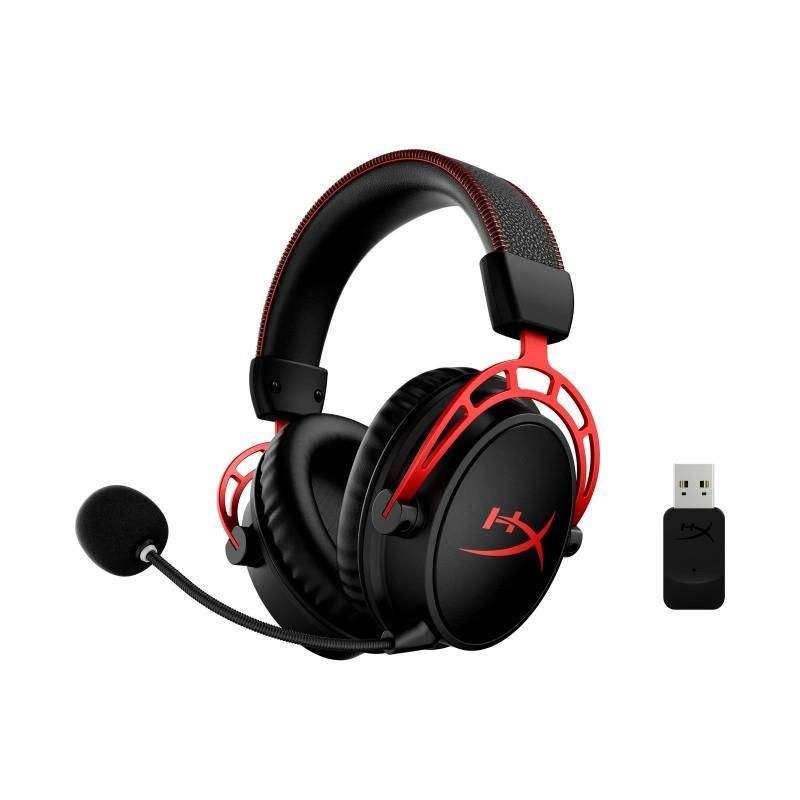
HYPERX CLOUD ALPHA - WIRELESS GAMING HEADSET (BLACK-RED)
80900
AMD
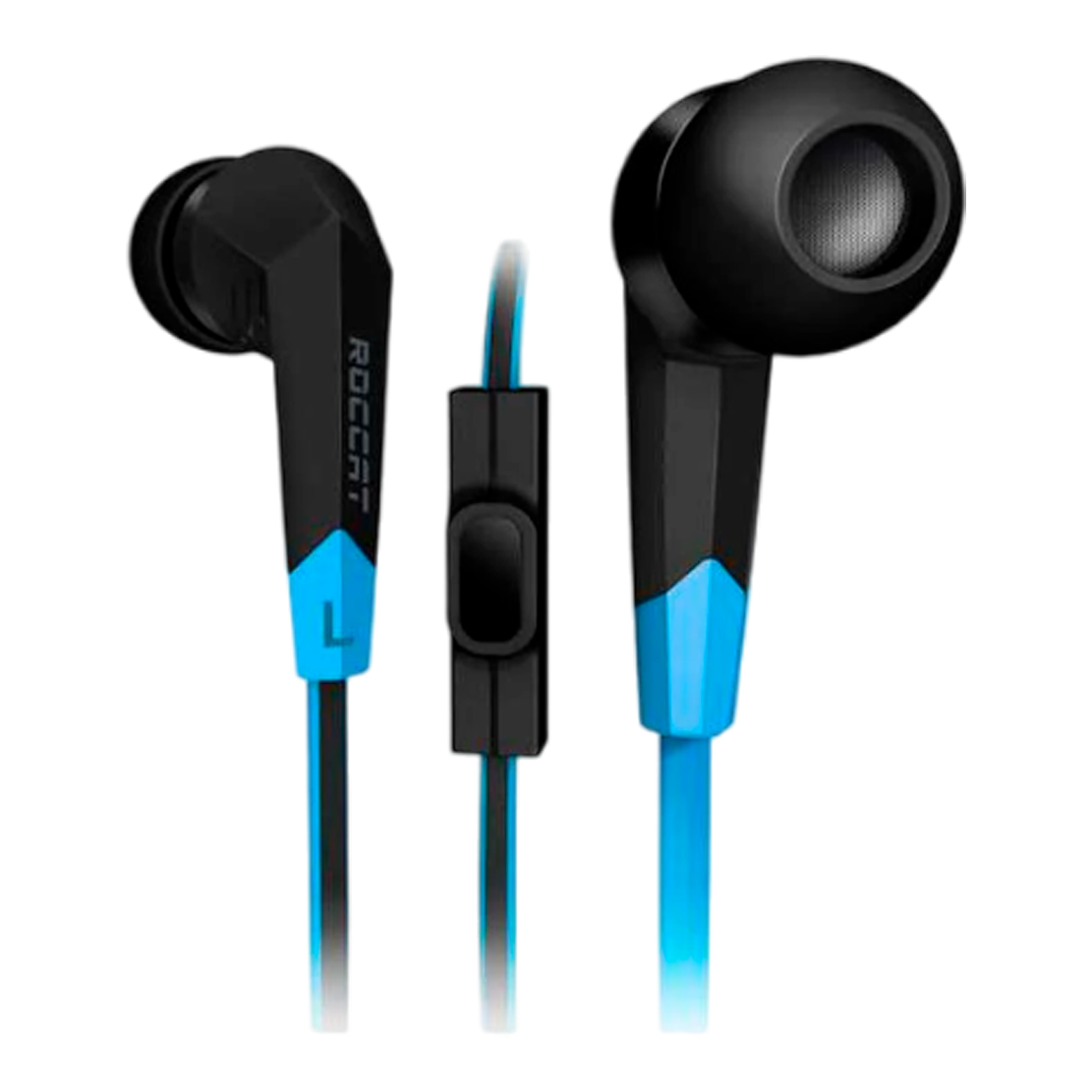
ROCCAT SYVA
29900
AMD
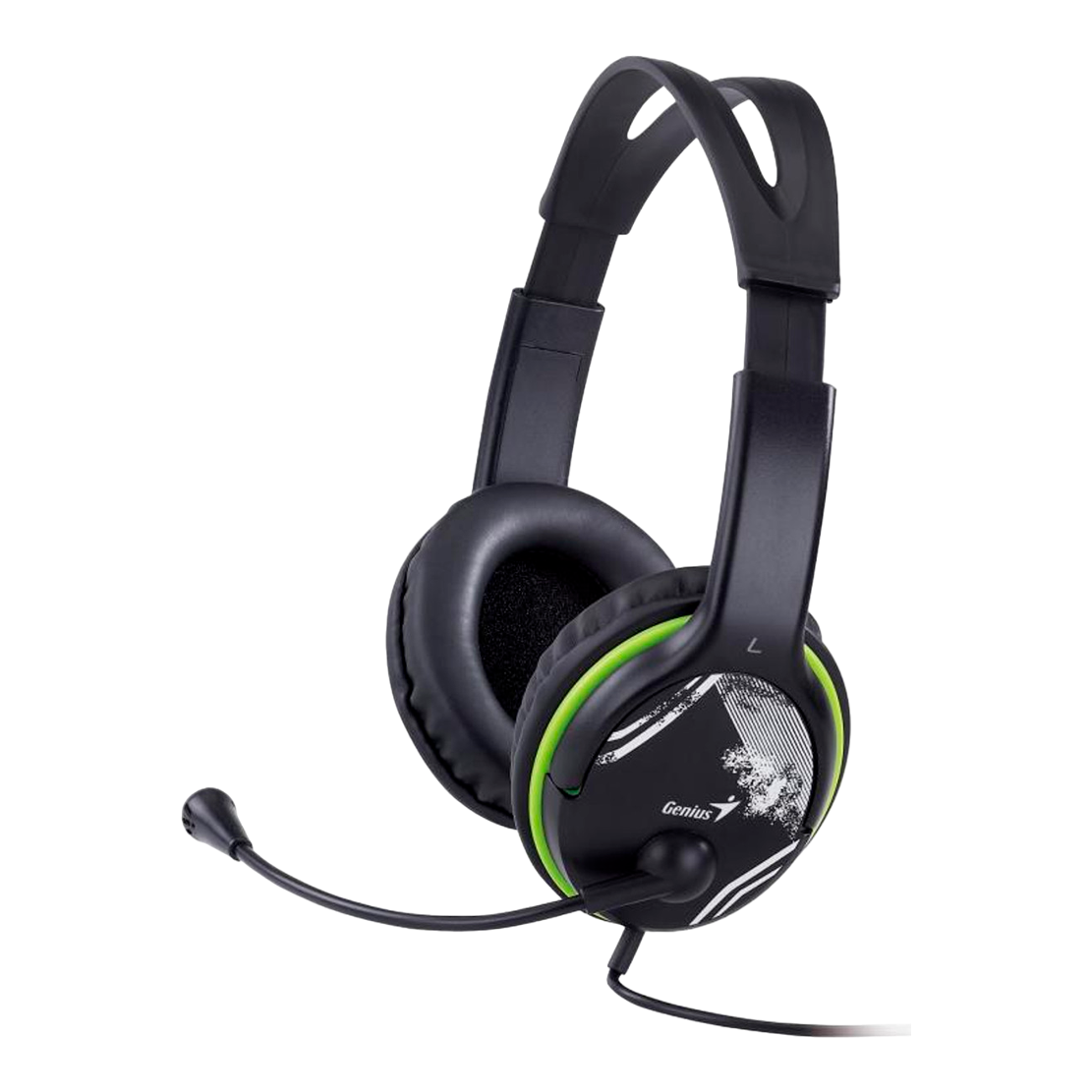
GENIUS HS-400A
9900
AMD
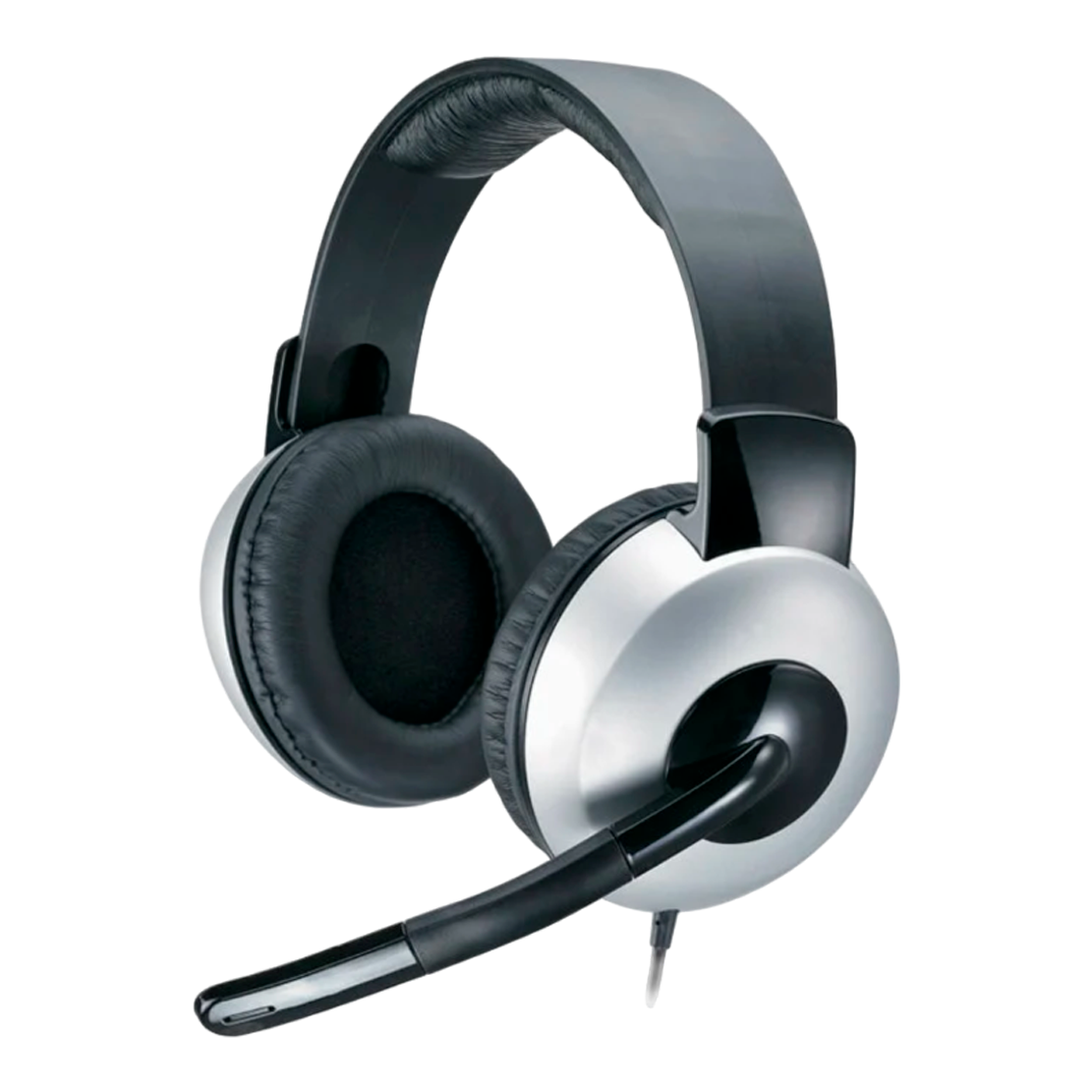
GENIUS HS-05A
12900
AMD
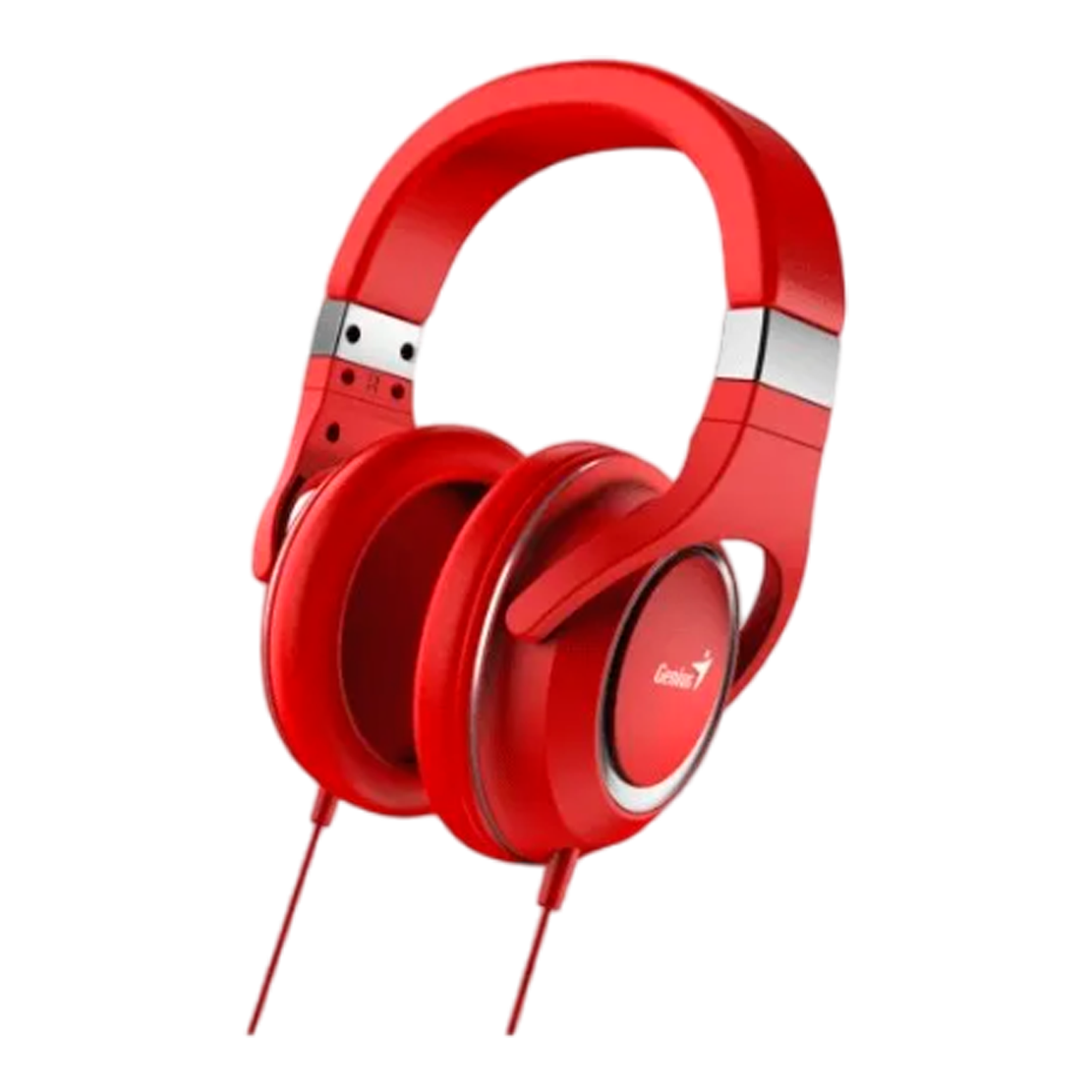
GENIUS HS-610
22900
AMD
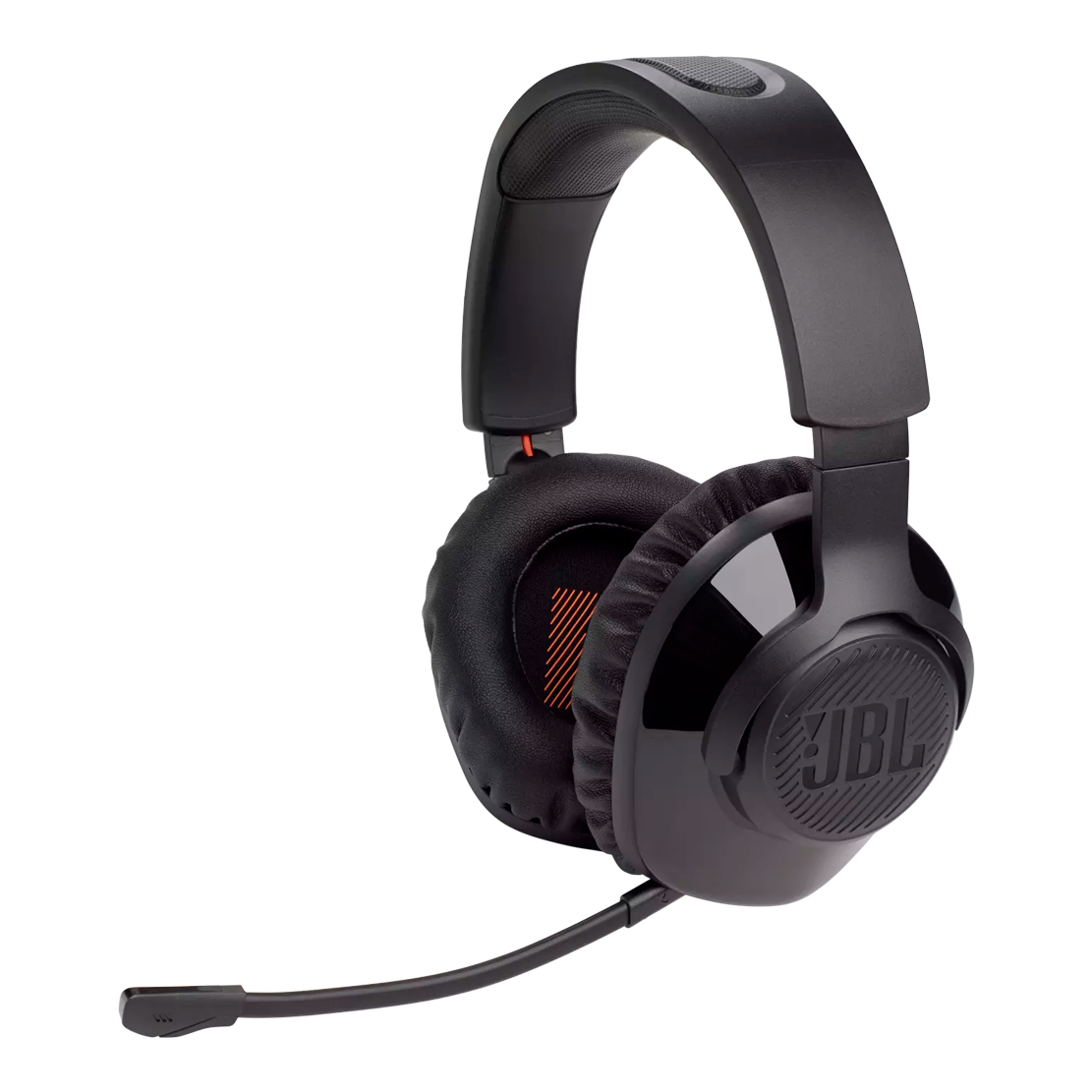
JBL QUANTUM 350 WIRELESS
64900
AMD

LOGITECH H390
20900
AMD
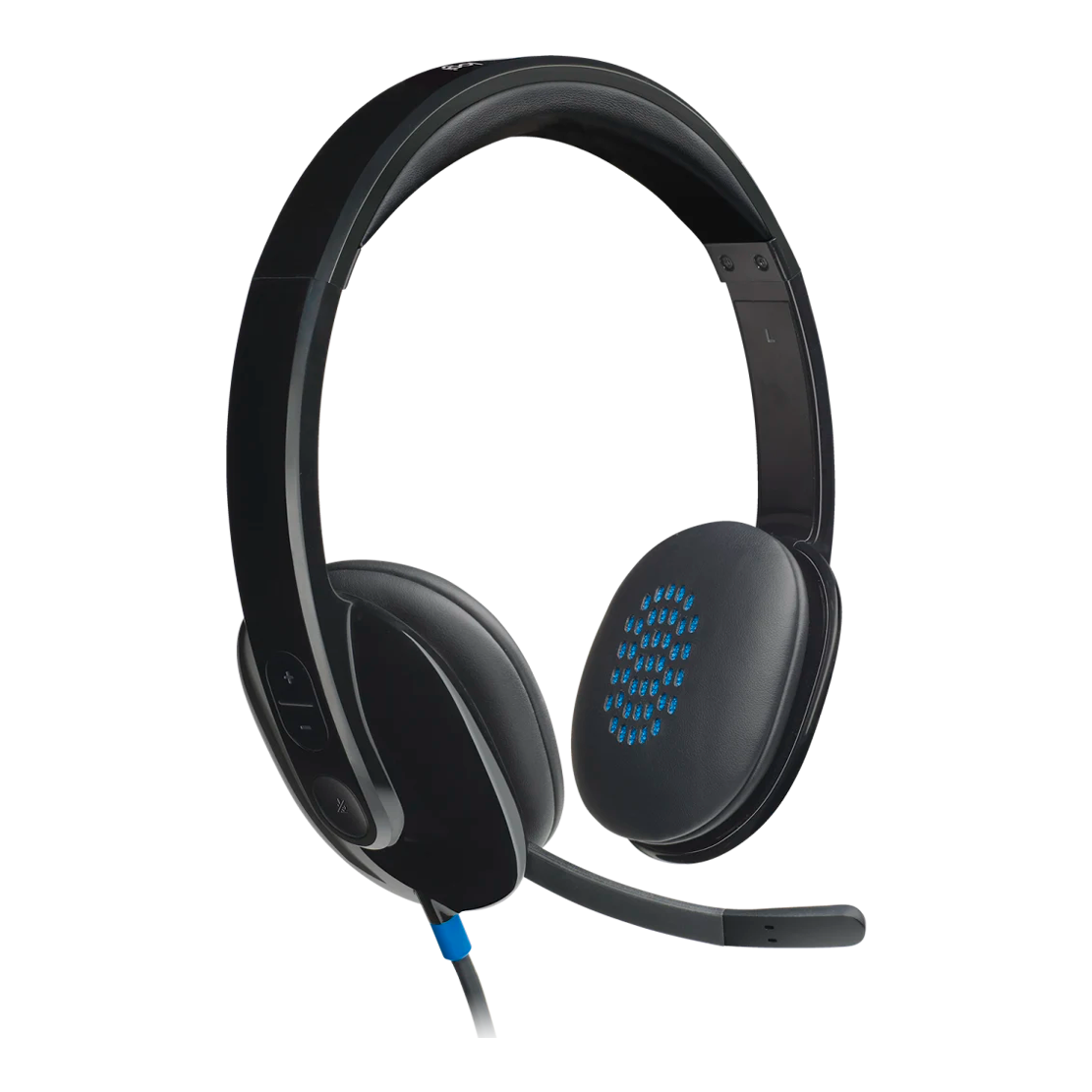
LOGITECH H540
24900
AMD
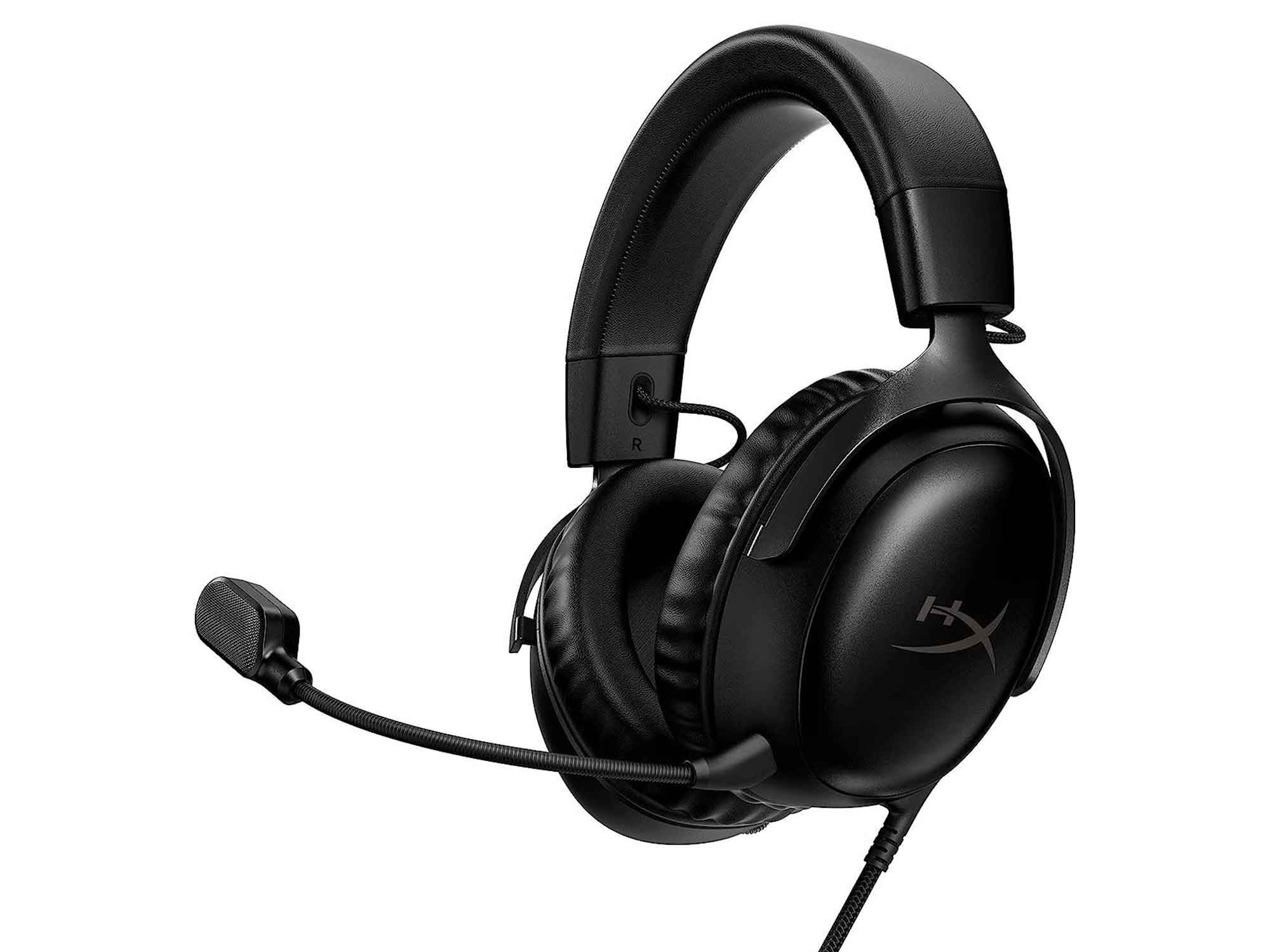
HYPERX CLOUD III BLACK GAMING HEADSET
42900
AMD

HyperX Cloud Stinger 2 Core
19900
AMD
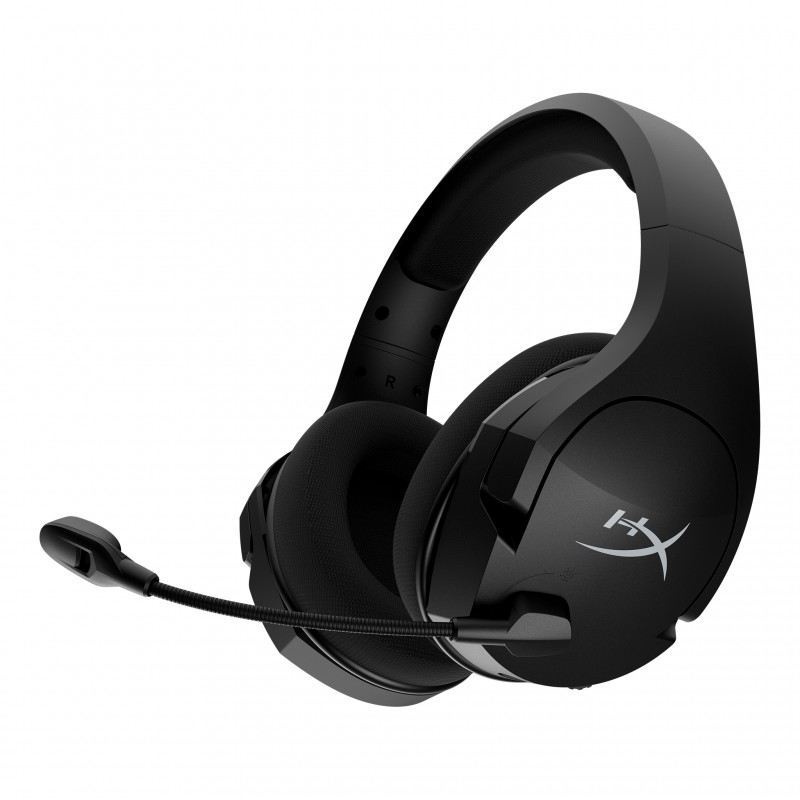
HyperX Cloud Stinger Core Wireless 7.1
40900
AMD

HyperX Cloud Mini Wireless Black
23900
AMD
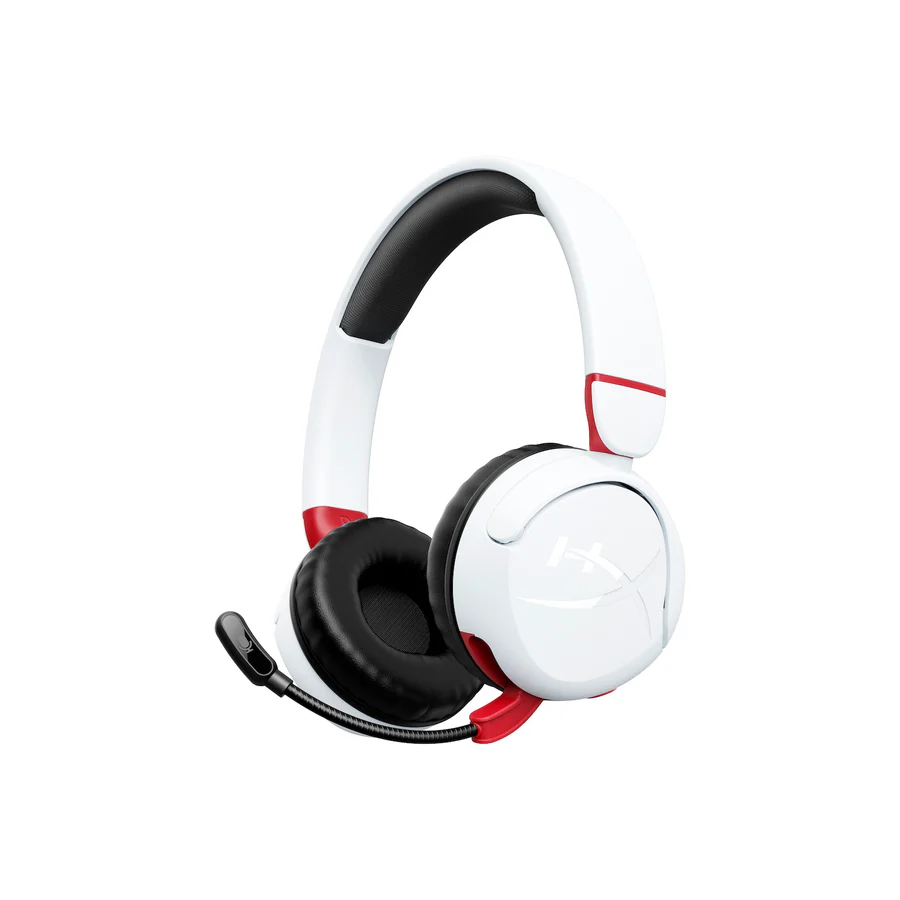
HyperX Cloud Mini Wireless White
23900
AMD
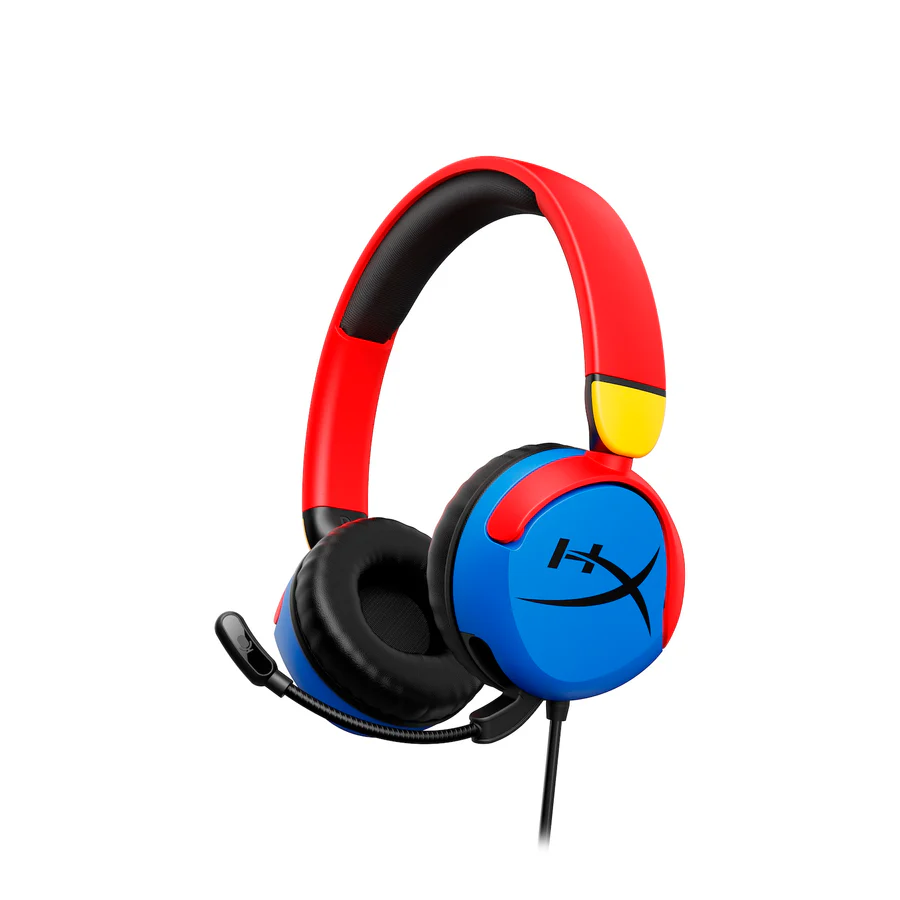
HyperX Cloud Mini Multi Color
13900
AMD
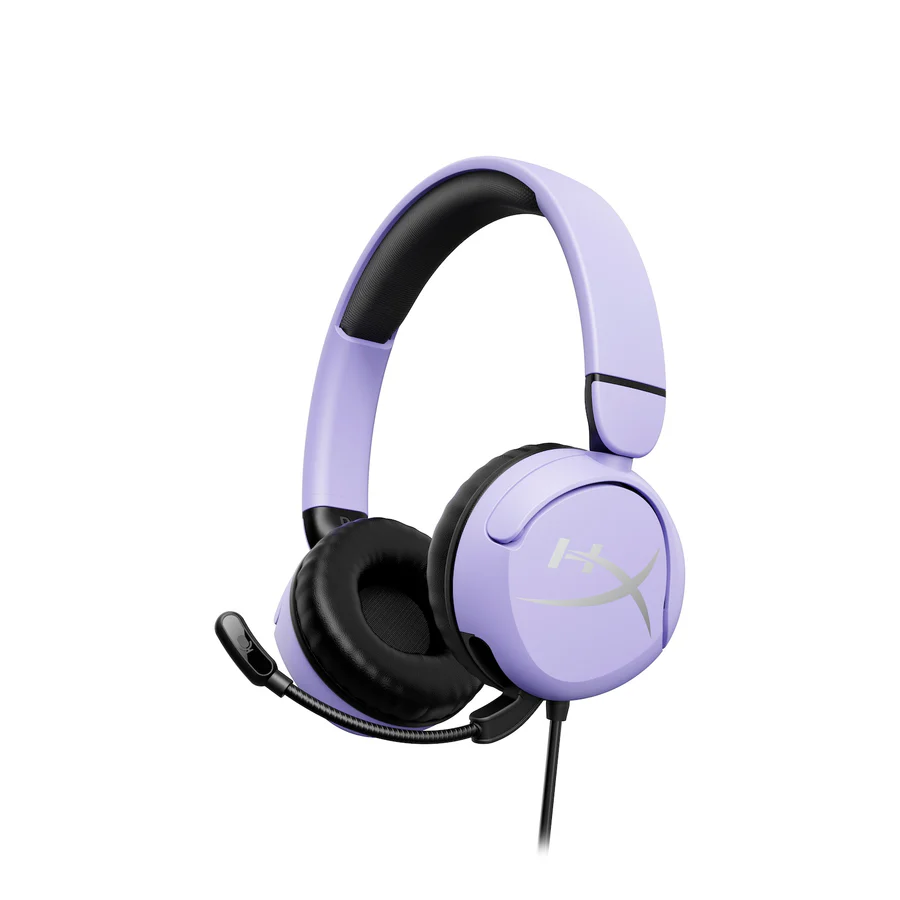
HyperX Cloud Mini Lavender
13900
AMD

HyperX Cloud Mini Black
13900
AMD
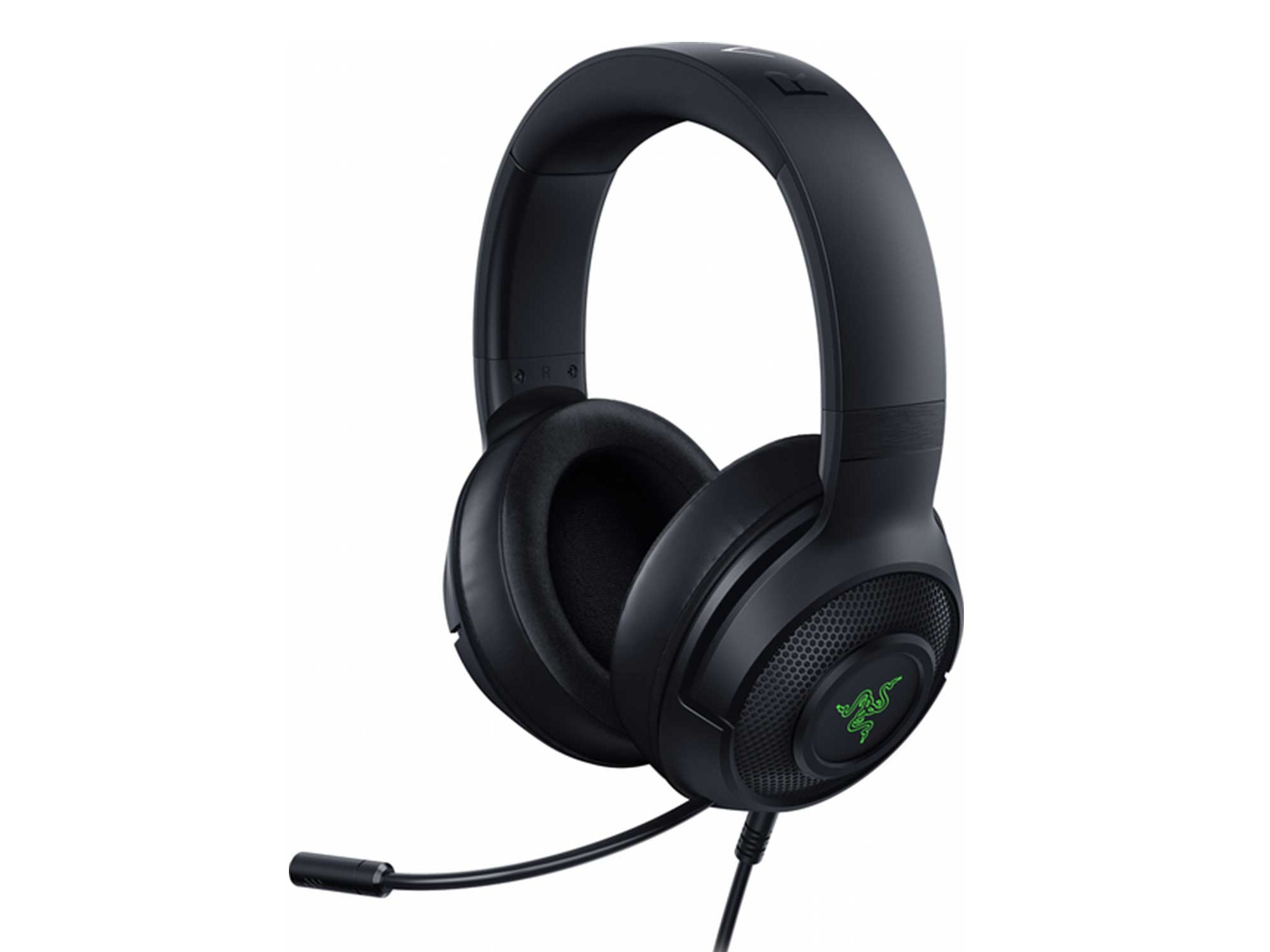
Razer Kraken V3 X USB Black
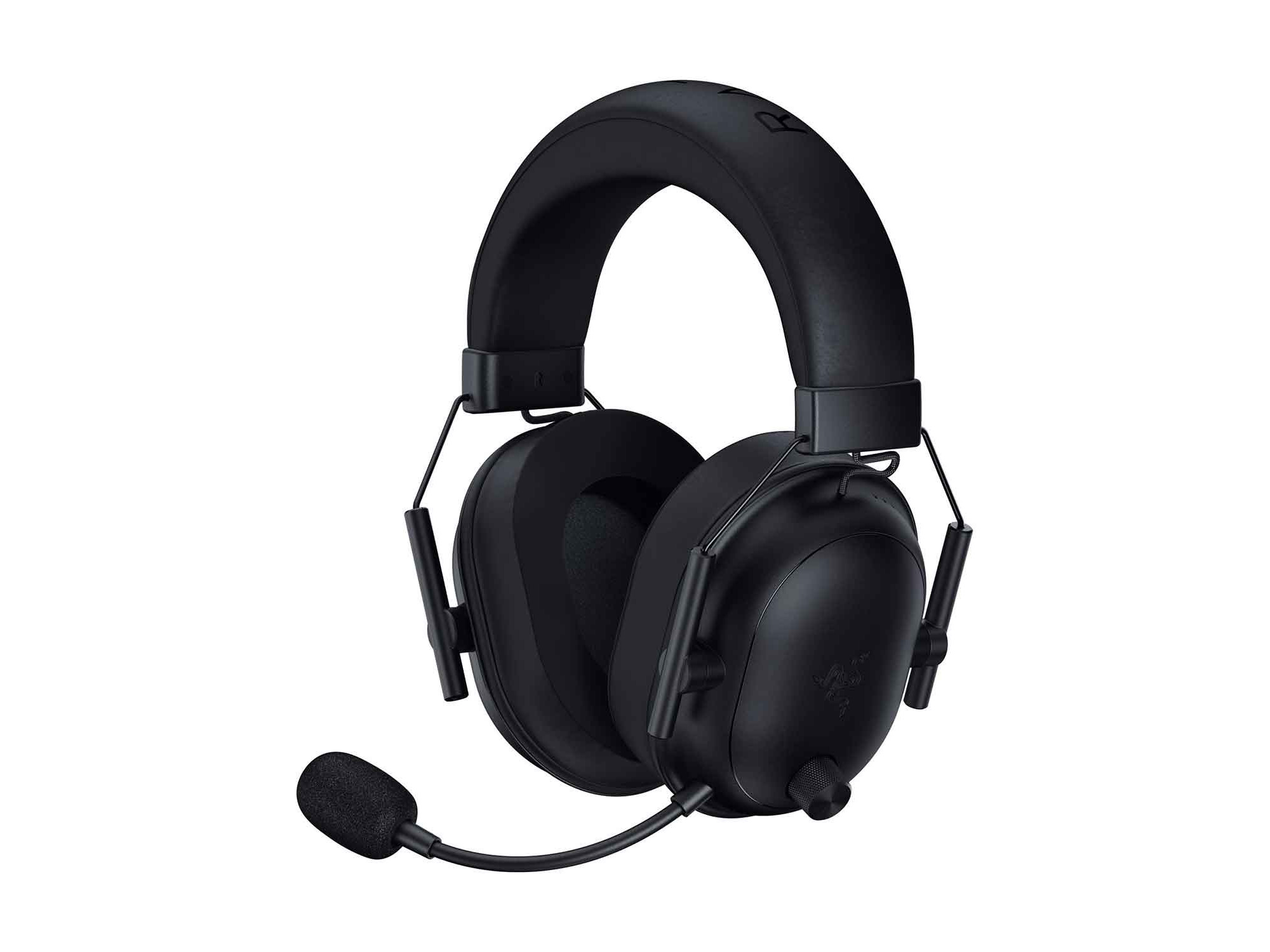
Razer BlackShark V2 HyperSpeed Black
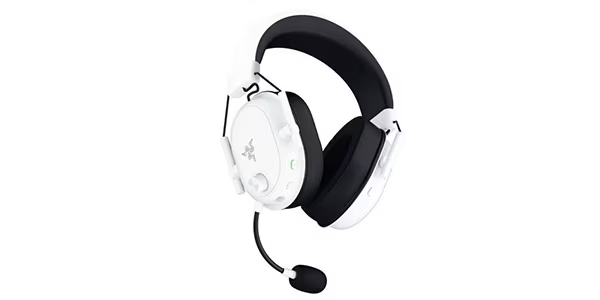
Razer BlackShark V2 HyperSpeed White
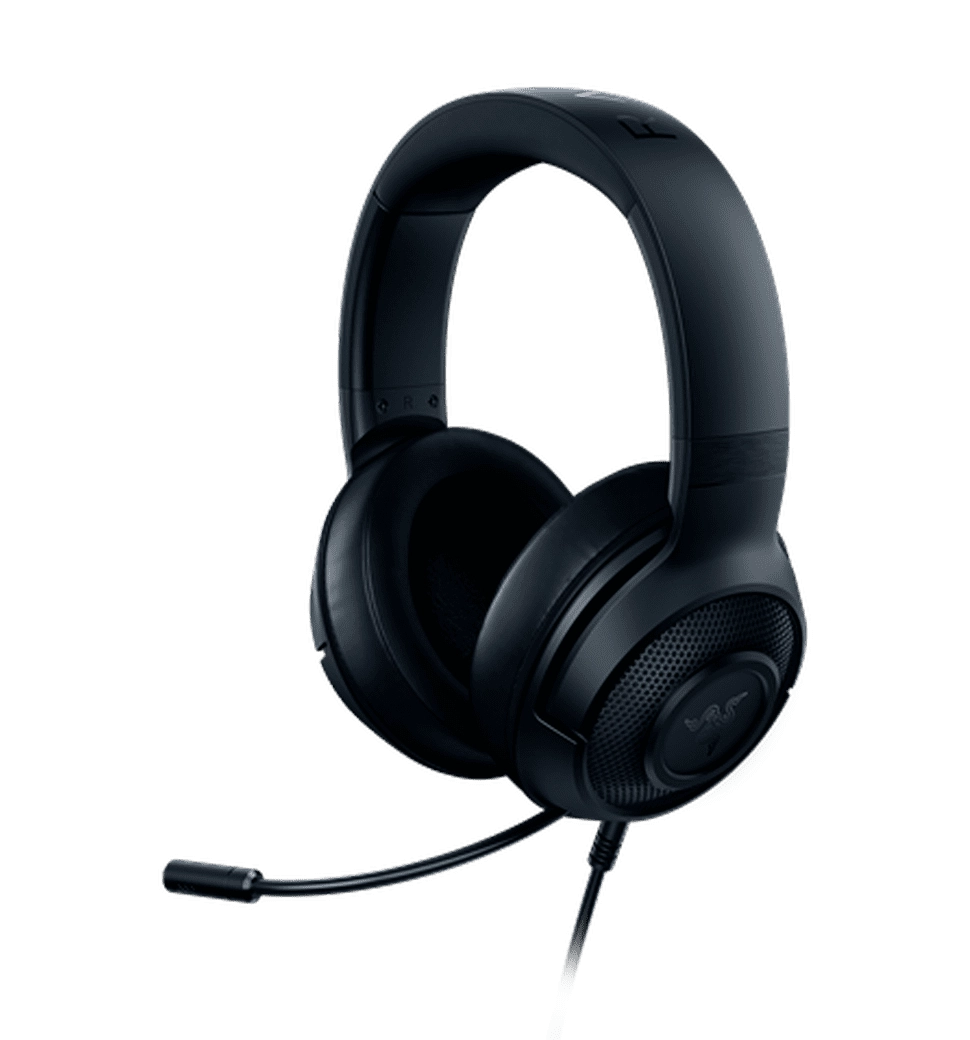
Razer Kraken X Lite

Razer BlackShark V2 X Black
Razer BlackShark V2 X Green
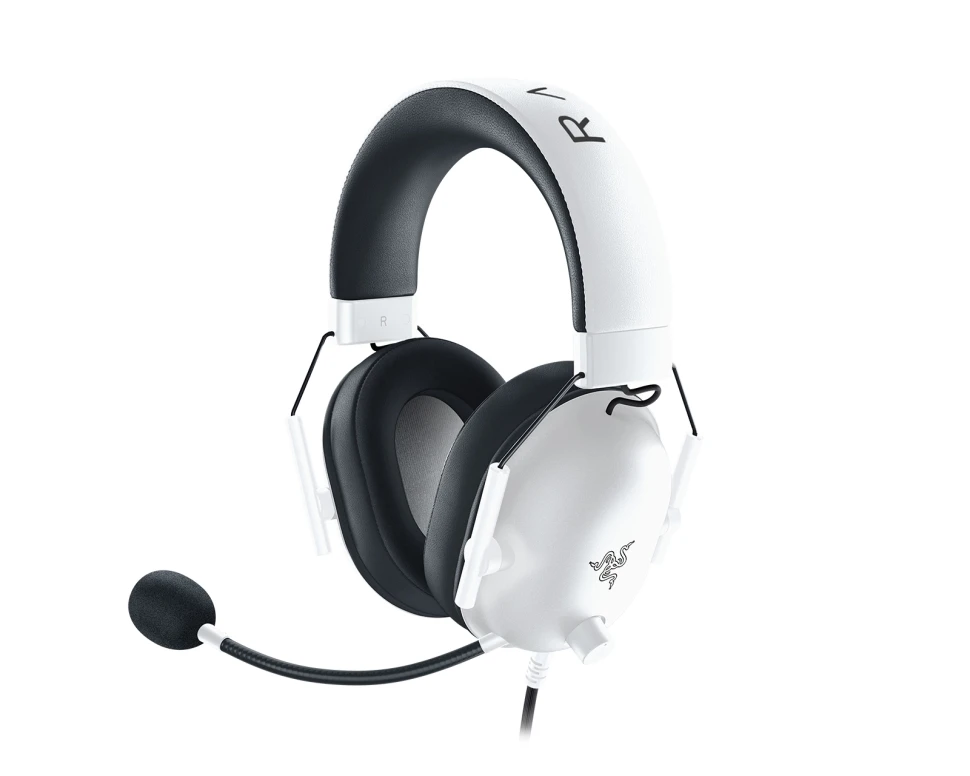
Blackshark V2 X White
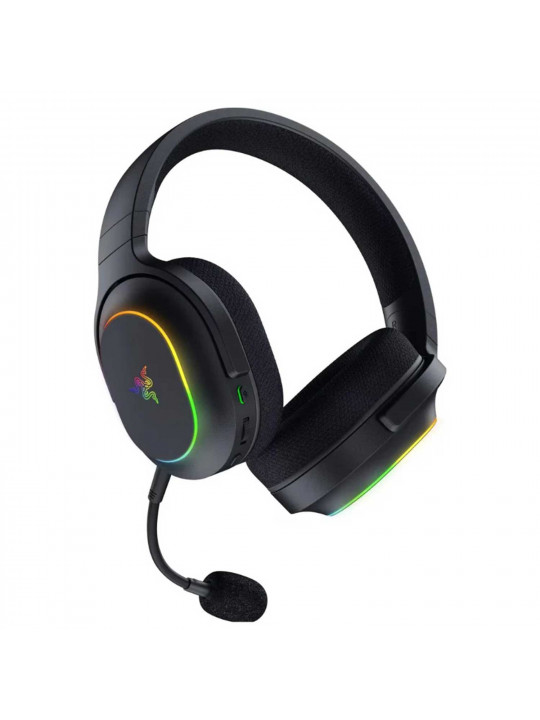
Razer Barracuda X Chroma Black
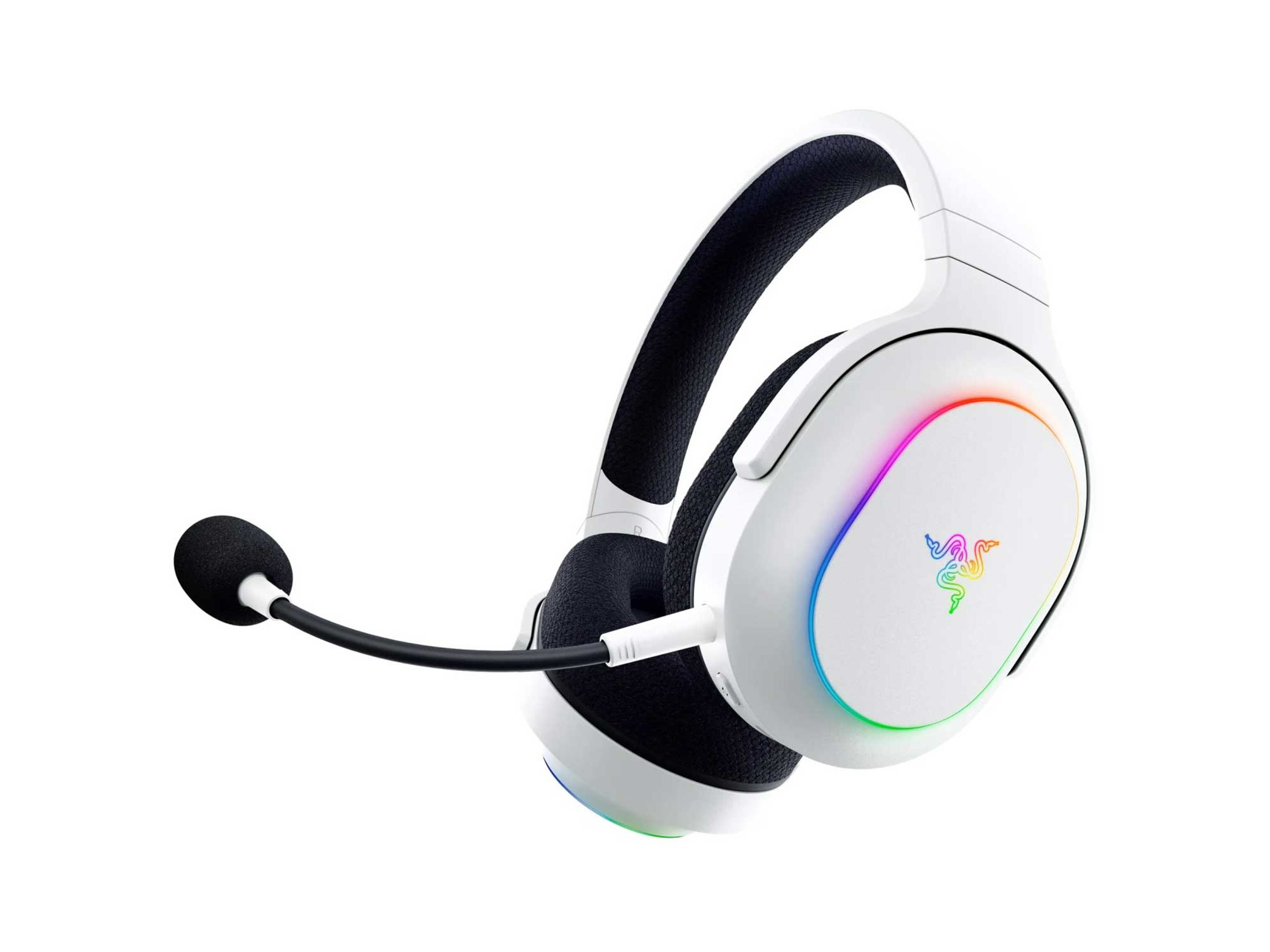
Razer Barracuda X Chroma White
View More
Brand Clients